
















DataChef Features

Easy and Free
Unlimited conversions for free.
No technical knowledge required.
Intuitive and user-friendly operation.
No technical knowledge required.
Intuitive and user-friendly operation.

No Registration Required
Available immediately after access.
Can be used without registering personal information.
Can be used without registering personal information.

Safe and Secure
Fully SSL encrypted communication.
Automatic file deletion by clicking "download".
Automatic file deletion by clicking "download".

Fast
High-speed site access
and rapid file conversion.
and rapid file conversion.

No Watermark
No watermark.
No attribution required.
No attribution required.

Commercial Use Available
Free for commercial use.
No need to contact us for commercial use permission.
No need to contact us for commercial use permission.
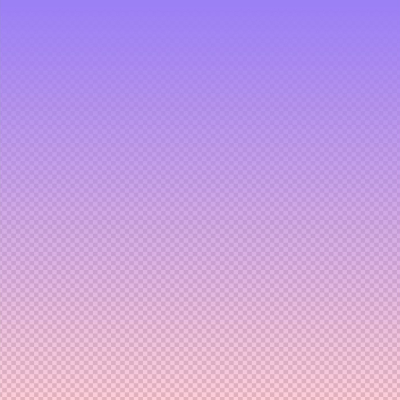
Linear pattern example
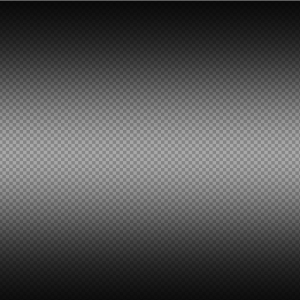
Cylindrical pattern example
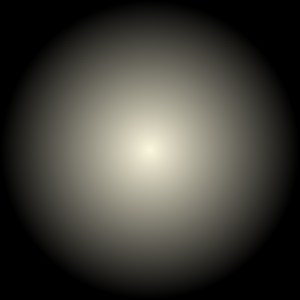
Radial pattern example
This page lets you create a gradient image from any two colors, at any size you specify.
Use it as a background for a quick design project, or as a custom wallpaper for your PC or phone.
Transparent and semi-transparent colors are also supported, so you can make a gradient that fades from a solid color into full transparency.
Three patterns are available — "Linear" (color 1 → color 2, top to bottom), "Cylindrical" (color 1 → color 2 → color 1, top to bottom), and "Radial" (center outward) — and each of them can be rotated.
To choose a color, click the colored cell in the "Fill Color 1" or "Fill Color 2" field; this opens a color picker where you can select any color you like.
The picker comes with a set of pastel swatches, and picking two pastel colors that sit next to each other tends to produce a beautiful result.
You can also fine-tune the exact shade freely.
To adjust the hue (red, yellow, and so on), move the slider that sits second from the right edge of the color picker up or down.
Two shades of the same color, one light and one dark, also make a clean-looking gradient.
For semi-transparent colors, set the "Output Format" to "PNG (Recommended)" and move the opacity slider on the far right of the color picker.
(* Transparency is only supported in PNG format.)
For advanced use, you can also type a color directly into the form at the bottom of the color picker, either as an HTML color code such as "#000000" or as an RGBA value such as "rgba(0, 0, 0, 1)".
Supported file formats are PNG (recommended), JPEG, GIF, and BMP.
The maximum size is 5120px in both width and height.
Linear pattern example
Cylindrical pattern example
Radial pattern example
Related Features
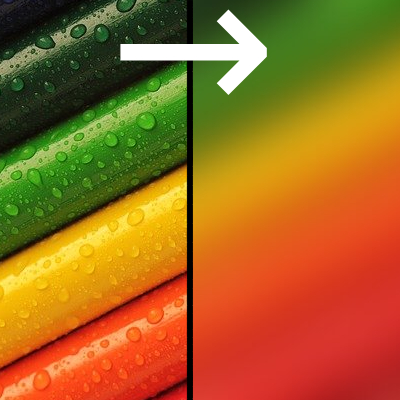
Blur Image (Gaussian Blur)
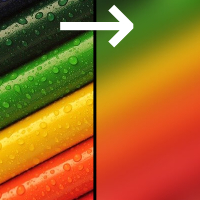
Paint a few rough blocks of color, blur them heavily, and you get a complex multi-color gradient image.

Solid Color Background Image Generator
Create an image filled with a single color of your choice, at any size. Transparent and semi-transparent images are also supported.

Ad 

