
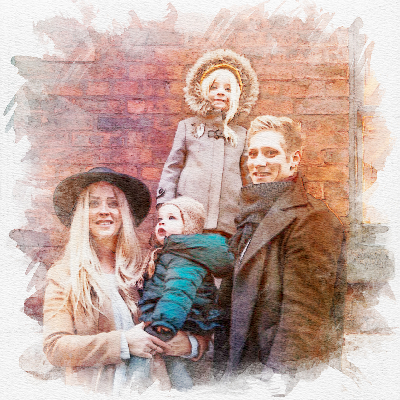
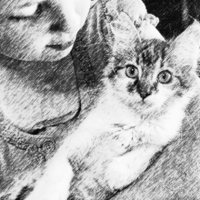

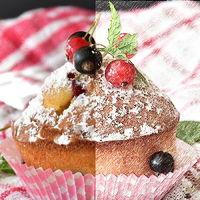
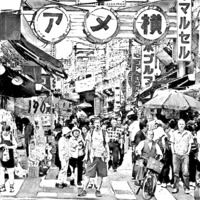
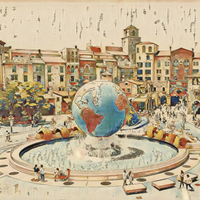
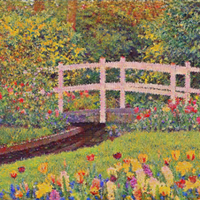
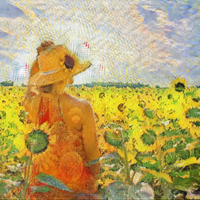
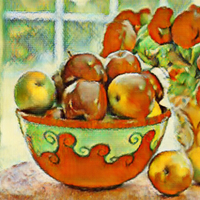
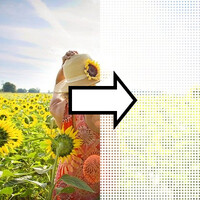
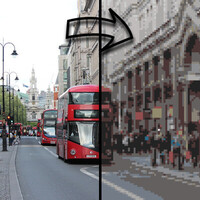
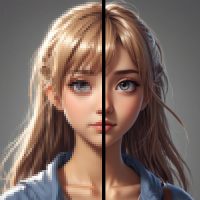


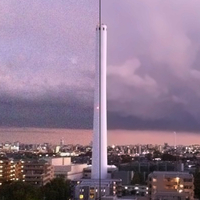
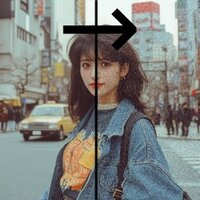


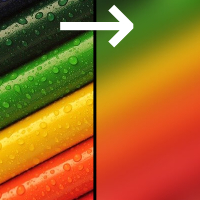
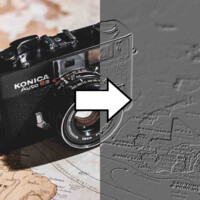
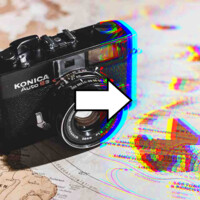
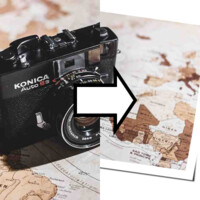
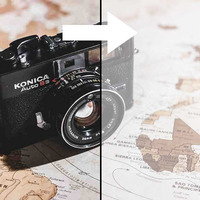
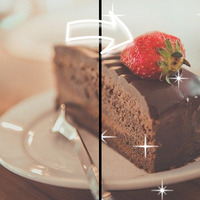

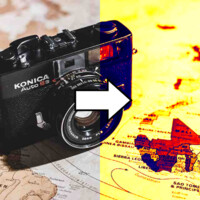
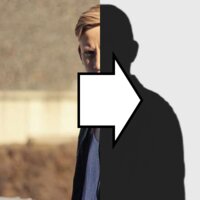
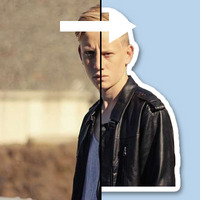
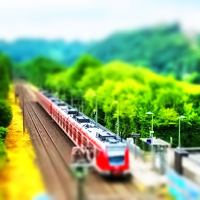
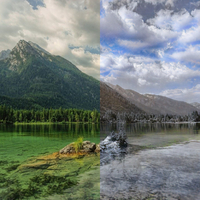
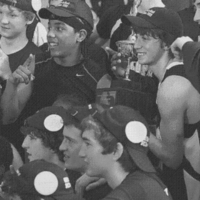
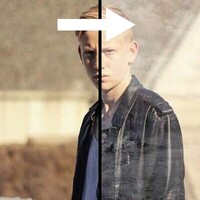
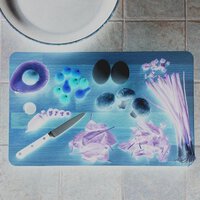
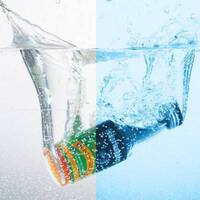

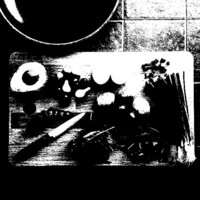


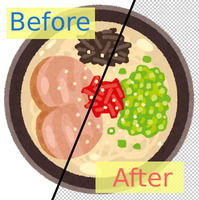
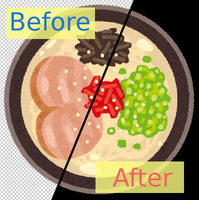

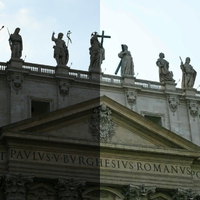
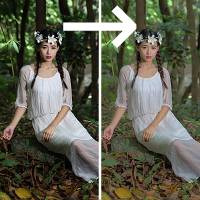
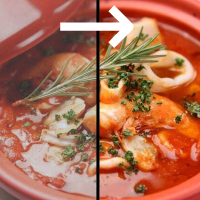
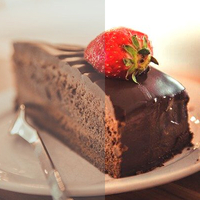

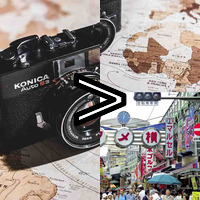

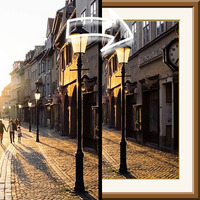
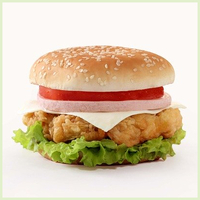







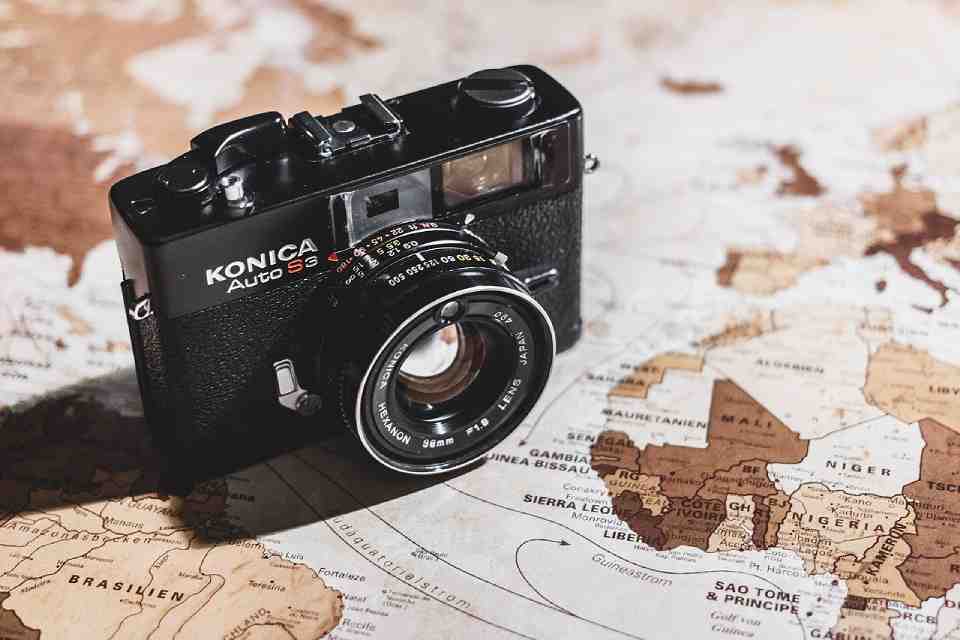
Sample Before
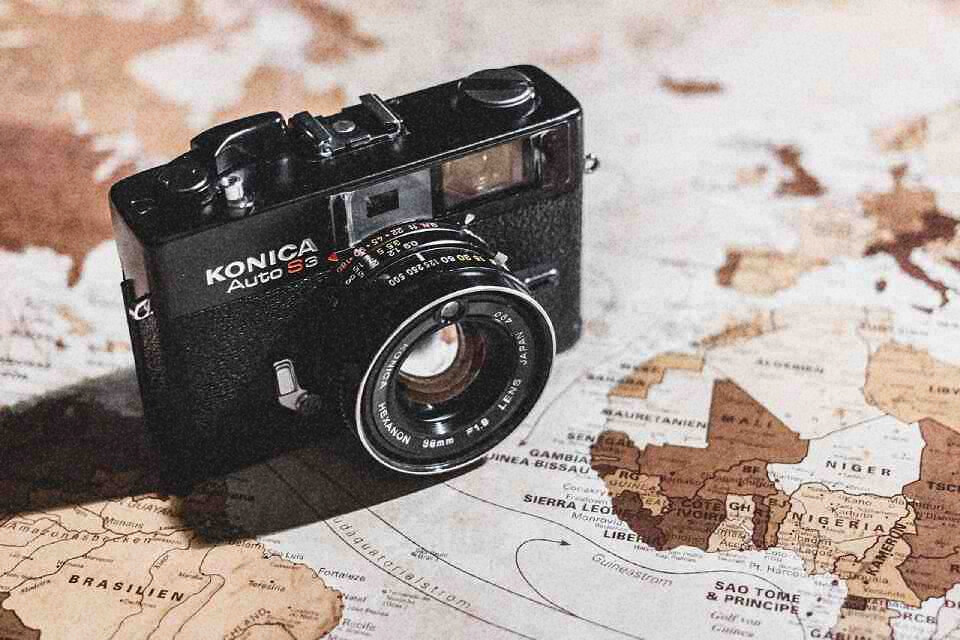
Sample After
About This Feature
This page adds grainy, film-style noise (film grain) to photos, illustrations, and other images.
Adding the gritty texture of old film photos to the smooth, clean look of a digital shot gives it a retro, moody vibe and a charming analog feel.
You can adjust the amount of noise, the grain coarseness, the noise type, and whether the grain is monochrome or colored — intuitively, with no photography expertise required.
Supported file formats are JPEG, PNG, GIF, BMP, WebP, and HEIC.
Adding the gritty texture of old film photos to the smooth, clean look of a digital shot gives it a retro, moody vibe and a charming analog feel.
You can adjust the amount of noise, the grain coarseness, the noise type, and whether the grain is monochrome or colored — intuitively, with no photography expertise required.
Supported file formats are JPEG, PNG, GIF, BMP, WebP, and HEIC.
How to Use
-
1Choose Your ImageClick the "Browse" button or drag and drop an image onto the screen.
-
2ConvertClick the "CONVERT FOR FREE" button.
-
3DownloadClick the "DOWNLOAD" button.
DataChef Features

Easy and Free
Unlimited conversions for free.
No technical knowledge required.
Intuitive and user-friendly operation.
No technical knowledge required.
Intuitive and user-friendly operation.

No Registration Required
Available immediately after access.
Can be used without registering personal information.
Can be used without registering personal information.

Safe and Secure
Fully SSL encrypted communication.
Automatic file deletion by clicking "download".
Automatic file deletion by clicking "download".

Fast
High-speed site access
and rapid file conversion.
and rapid file conversion.

No Watermark
No watermark.
No attribution required.
No attribution required.

Commercial Use Available
Free for commercial use.
No need to contact us for commercial use permission.
No need to contact us for commercial use permission.
What Is Film Grain (Noise)?
Film grain is the fine, granular texture you see in photos shot on old silver halide film.
Deliberately adding this grain (noise) to a digital photo softens its flat uniformity and gives it the retro, moody atmosphere of a film camera shot, with a rich, mellow character.
About the Settings
- Strength (amount of noise)
The higher the number, the stronger and more visible the grain. Too much makes the image look degraded, so keep it subtle if you are unsure.
- Grain Size (coarseness)
Small values give fine, tight grain; large values give chunky, coarse grain. Go larger for the feel of old or high-ISO film.
- Noise Type
Choose the texture of the grain. "Natural Grain (standard)" is an even, neutral texture; "Speckled (coarse)" scatters stronger dots; "Film Look" varies the grain with brightness for the uneven character of real silver halide film.
- Monochrome Grain (texture only, colors unchanged)
When checked, only light-and-dark grain is added and the original colors stay untouched. Uncheck it for colored grain (color noise). For the most film-like result, leave it checked.
Use Cases
Give digital photos the look of old film photography
Add grain to illustrations and backgrounds for texture and character
Break up flat, featureless images with analog-style unevenness
Add film grain to black-and-white photos for a moody finish
What Is Film Grain (Noise)?
Film grain is the fine, granular texture you see in photos shot on old silver halide film.
Deliberately adding this grain (noise) to a digital photo softens its flat uniformity and gives it the retro, moody atmosphere of a film camera shot, with a rich, mellow character.
About the Settings
- Strength (amount of noise)
The higher the number, the stronger and more visible the grain. Too much makes the image look degraded, so keep it subtle if you are unsure. - Grain Size (coarseness)
Small values give fine, tight grain; large values give chunky, coarse grain. Go larger for the feel of old or high-ISO film. - Noise Type
Choose the texture of the grain. "Natural Grain (standard)" is an even, neutral texture; "Speckled (coarse)" scatters stronger dots; "Film Look" varies the grain with brightness for the uneven character of real silver halide film. - Monochrome Grain (texture only, colors unchanged)
When checked, only light-and-dark grain is added and the original colors stay untouched. Uncheck it for colored grain (color noise). For the most film-like result, leave it checked.
Use Cases
Give digital photos the look of old film photography
Add grain to illustrations and backgrounds for texture and character
Break up flat, featureless images with analog-style unevenness
Add film grain to black-and-white photos for a moody finish

Ad 

