
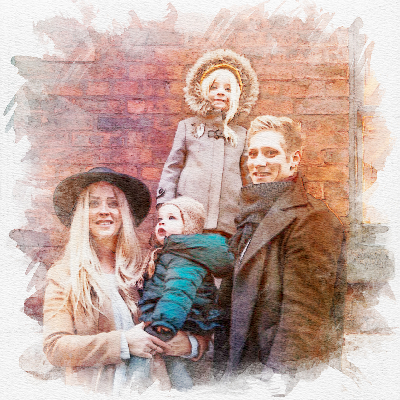

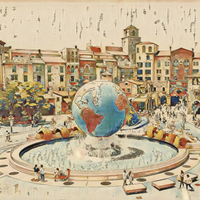
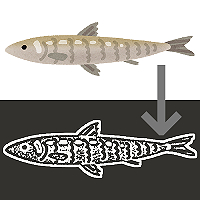
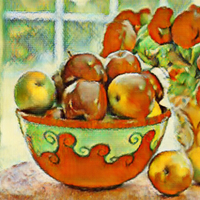
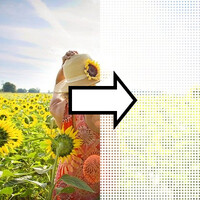
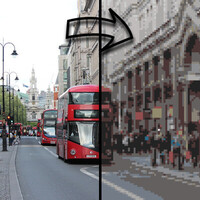
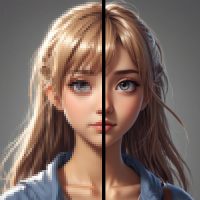





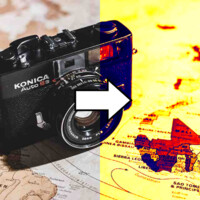
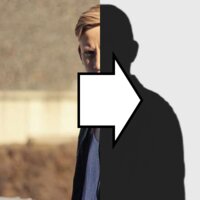
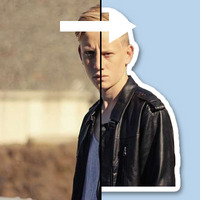

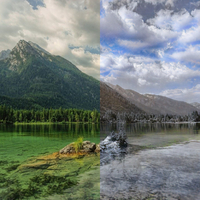
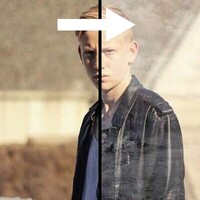
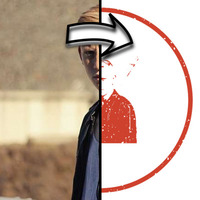
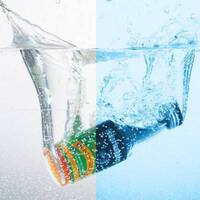

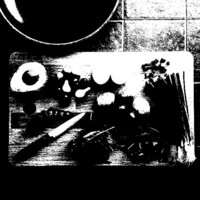


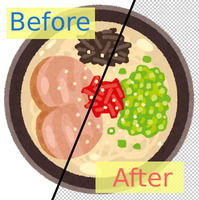
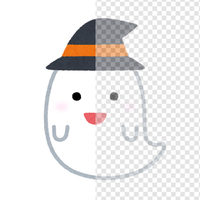
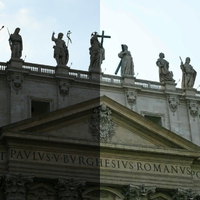
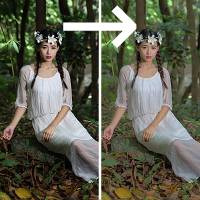
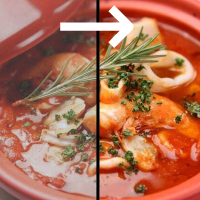
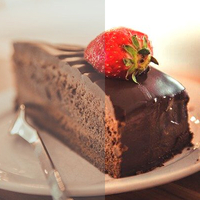

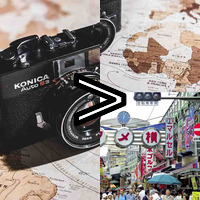
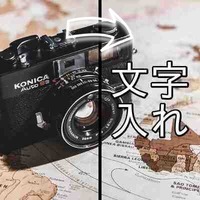
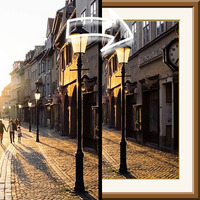
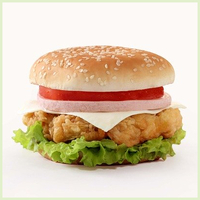





Sample Before

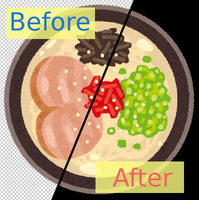
Sample After
About This Feature
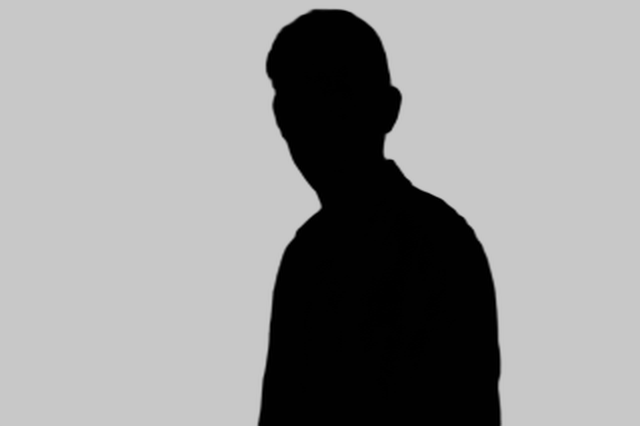
This page lets you create a silhouette image online for free — the subject of your photo (a person, animal, object, and so on) cut out and filled in like a shadow figure.
AI separates the subject from the background automatically, so no tricky steps are needed. If you upload an image whose background is already cut out transparent (such as a transparent PNG), it keeps that cutout and turns it into a silhouette.
You can fill the silhouette not only with a single color of your choice but also with an image you provide (poured in like a texture). For the background, you can intuitively choose to keep the original, fill it with any color, or lay another image behind it. Wherever you set a color you can also choose transparent, so exporting the result as a transparent PNG makes it easy to layer onto other images or use as a logo asset.
Supported file formats are JPEG, PNG, GIF, and BMP.
AI separates the subject from the background automatically, so no tricky steps are needed. If you upload an image whose background is already cut out transparent (such as a transparent PNG), it keeps that cutout and turns it into a silhouette.
You can fill the silhouette not only with a single color of your choice but also with an image you provide (poured in like a texture). For the background, you can intuitively choose to keep the original, fill it with any color, or lay another image behind it. Wherever you set a color you can also choose transparent, so exporting the result as a transparent PNG makes it easy to layer onto other images or use as a logo asset.
Supported file formats are JPEG, PNG, GIF, and BMP.
How to Use
-
1Choose Your ImageClick the "Browse" button or drag and drop an image onto the screen.
-
2ConvertClick the "CONVERT FOR FREE" button.
-
3DownloadClick the "DOWNLOAD" button.
DataChef Features

Easy and Free
Unlimited conversions for free.
No technical knowledge required.
Intuitive and user-friendly operation.
No technical knowledge required.
Intuitive and user-friendly operation.

No Registration Required
Available immediately after access.
Can be used without registering personal information.
Can be used without registering personal information.

Safe and Secure
Fully SSL encrypted communication.
Automatic file deletion by clicking "download".
Automatic file deletion by clicking "download".

Fast
High-speed site access
and rapid file conversion.
and rapid file conversion.

No Watermark
No watermark.
No attribution required.
No attribution required.

Commercial Use Available
Free for commercial use.
No need to contact us for commercial use permission.
No need to contact us for commercial use permission.
What Is a Silhouette Image?
A silhouette image keeps only the shape (outline) of the subject and fills its inside with a single color, like a shadow figure.
Think of how a person shot against the light appears as a pure black figure — this effect creates that from any photo you like. The subject's fine patterns and colors disappear, leaving only the shape, crisp and clear.
About Subject Detection
The processing switches automatically depending on whether your uploaded image contains transparent areas.
- For images whose background is already cut out, such as a transparent PNG: the cutout (the opaque area) is used as the subject directly. Your cutout is respected.
- For images that still have a background, such as a JPEG photo: an AI (background-removal engine) detects and cuts out the subject automatically, and that shape becomes the silhouette.
About the Settings
- Silhouette
Choose how to fill the subject. "Fill with Color" fills it with a single color of your choice (transparent is also an option). "Fill with Image" pours an uploaded image into the shape of the subject.
- Background
Choose how everything outside the silhouette looks. "Keep Original" leaves the original background as is, and "Fill with Color" fills it with a single color of your choice. If you choose transparent there, you get a transparent PNG that layers easily onto other images. "Set an Image" composites another uploaded image as the background.
Example Uses
Turn a person or pet into a stylish, shadow-figure icon.
Make a transparent silhouette asset for a logo or featured image.
Use it as an accent graphic in presentation slides or banners.
Turn an already cut-out image into a simple, single-color mark.
Build a silhouette-quiz image from the answer picture.
Create the "not-yet-collected" (secret) version of an image for collect-them-all content like a creature encyclopedia.
Easily make a mask image to set as an alpha channel.
What Is a Silhouette Image?
A silhouette image keeps only the shape (outline) of the subject and fills its inside with a single color, like a shadow figure.
Think of how a person shot against the light appears as a pure black figure — this effect creates that from any photo you like. The subject's fine patterns and colors disappear, leaving only the shape, crisp and clear.
About Subject Detection
The processing switches automatically depending on whether your uploaded image contains transparent areas.
- For images whose background is already cut out, such as a transparent PNG: the cutout (the opaque area) is used as the subject directly. Your cutout is respected.
- For images that still have a background, such as a JPEG photo: an AI (background-removal engine) detects and cuts out the subject automatically, and that shape becomes the silhouette.
About the Settings
- Silhouette
Choose how to fill the subject. "Fill with Color" fills it with a single color of your choice (transparent is also an option). "Fill with Image" pours an uploaded image into the shape of the subject. - Background
Choose how everything outside the silhouette looks. "Keep Original" leaves the original background as is, and "Fill with Color" fills it with a single color of your choice. If you choose transparent there, you get a transparent PNG that layers easily onto other images. "Set an Image" composites another uploaded image as the background.
Example Uses
Turn a person or pet into a stylish, shadow-figure icon.
Make a transparent silhouette asset for a logo or featured image.
Use it as an accent graphic in presentation slides or banners.
Turn an already cut-out image into a simple, single-color mark.
Build a silhouette-quiz image from the answer picture.
Create the "not-yet-collected" (secret) version of an image for collect-them-all content like a creature encyclopedia.
Easily make a mask image to set as an alpha channel.

Ad 

