
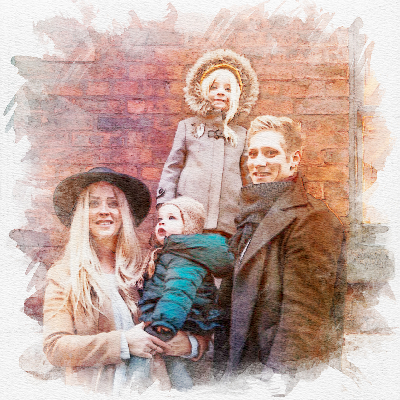
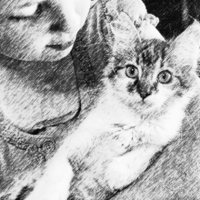

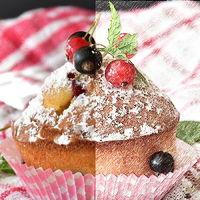
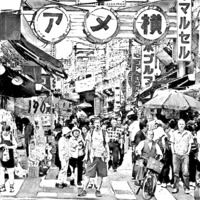
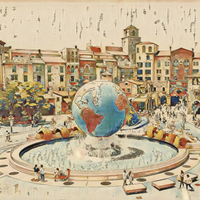
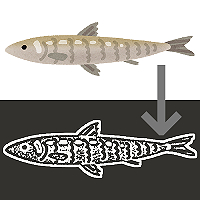
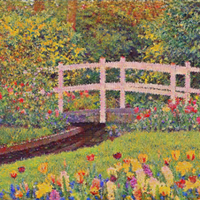
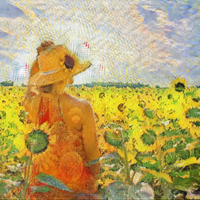



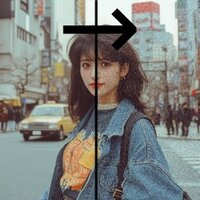


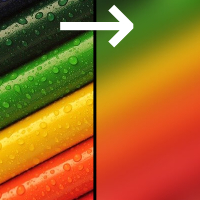
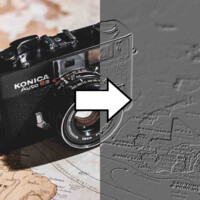
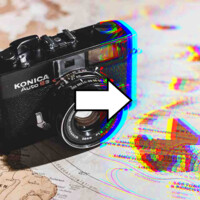
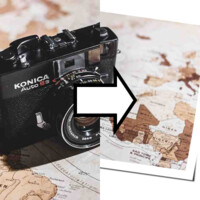
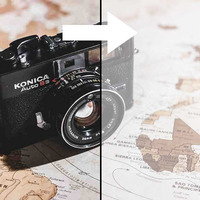
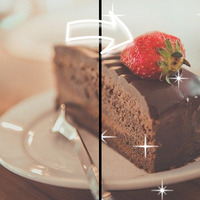

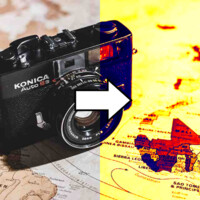
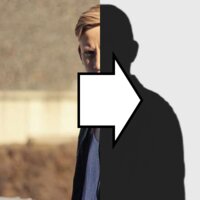
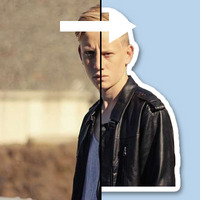
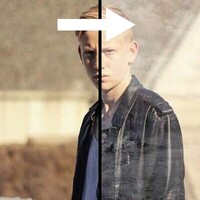
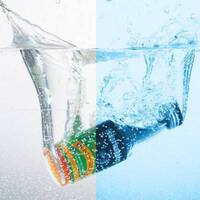

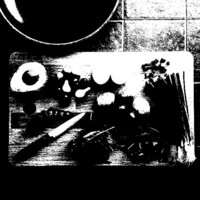


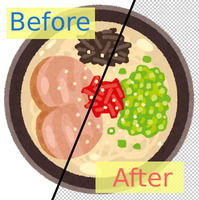
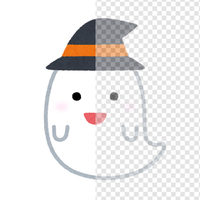
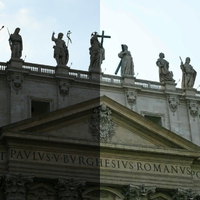
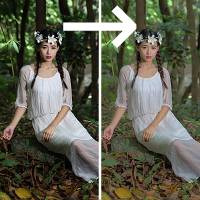
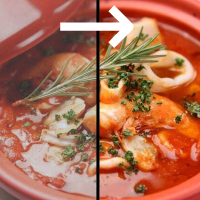
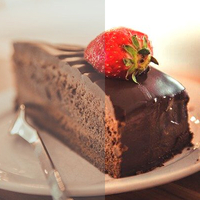

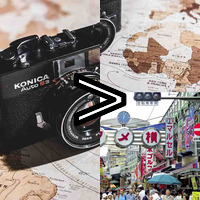
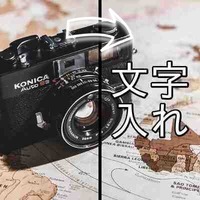
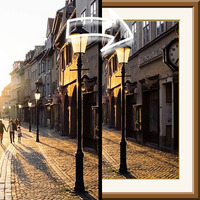
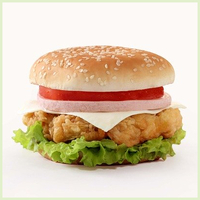





Sample Before

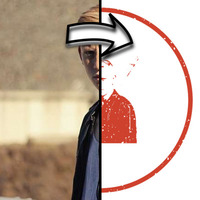
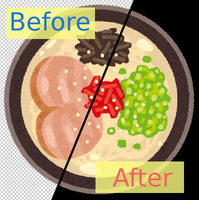
Sample After

About This Feature
This page turns a photo or illustration into a one-color, distressed image that looks like an inked seal or rubber stamp pressed onto paper.
It splits the image into dark and light areas and renders them in a single ink color, as if stamped flat onto paper. It can even recreate the patchy, distressed ink texture of a real stamp, giving you a result with genuine, hand-pressed character.
You can intuitively choose the ink color (classic vermilion, rubber-stamp black, indigo, or any custom color), the ink density, the distress level, a round seal frame, and a white or transparent background — no expertise needed.
Supported file formats are JPEG, PNG, GIF, BMP, WebP, and HEIC. The result can be downloaded as a PNG.
It splits the image into dark and light areas and renders them in a single ink color, as if stamped flat onto paper. It can even recreate the patchy, distressed ink texture of a real stamp, giving you a result with genuine, hand-pressed character.
You can intuitively choose the ink color (classic vermilion, rubber-stamp black, indigo, or any custom color), the ink density, the distress level, a round seal frame, and a white or transparent background — no expertise needed.
Supported file formats are JPEG, PNG, GIF, BMP, WebP, and HEIC. The result can be downloaded as a PNG.
How to Use
-
1Choose Your ImageClick the "Browse" button or drag and drop an image onto the screen.
-
2ConvertClick the "CONVERT FOR FREE" button.
-
3DownloadClick the "DOWNLOAD" button.
DataChef Features

Easy and Free
Unlimited conversions for free.
No technical knowledge required.
Intuitive and user-friendly operation.
No technical knowledge required.
Intuitive and user-friendly operation.

No Registration Required
Available immediately after access.
Can be used without registering personal information.
Can be used without registering personal information.

Safe and Secure
Fully SSL encrypted communication.
Automatic file deletion by clicking "download".
Automatic file deletion by clicking "download".

Fast
High-speed site access
and rapid file conversion.
and rapid file conversion.

No Watermark
No watermark.
No attribution required.
No attribution required.

Commercial Use Available
Free for commercial use.
No need to contact us for commercial use permission.
No need to contact us for commercial use permission.
What Is the Stamp Effect?
The stamp effect renders a photo or illustration as a single solid ink color with a distressed texture, so it looks like a seal or rubber stamp pressed onto paper.
It gives images the rustic feel of a woodblock print or a hand-carved eraser stamp, perfect for social media avatars, sticker drafts, merch designs, and accents on greeting cards.
This page works by thresholding the image into two tones (black and white), tinting it with the ink color, and punching out white with noise to recreate the distressed look.
About the Settings
- Ink Color
Choose the classic "Vermilion (Seal Style)", "Black (Rubber Stamp)", or "Indigo (Stamp Pad)", or pick any color with the color picker.
- Ink Density
Use the slider to adjust how much area the ink covers. Turn it down if the lines clog together, and up if they break apart and vanish. The best value depends on how bright your photo is, so adjust while watching the result.
- Distress Level
Set how strong the patchy, distressed ink texture of a real stamp impression should be. "None" gives a crisp, solid impression, while a strong setting looks like a well-worn stamp with plenty of character.
- Add a Round Frame
When checked, this adds a circular border like a seal and fits the image inside the central circle — handy for making a personal-seal or artist's-stamp style avatar.
- Background
Choose a "White" or "Transparent (PNG)" background. With a transparent background, you can drop the stamp straight onto other images or paper designs.
Examples of Use
Illustrators turning their drawings or portraits into stamp-style social media avatars or artist's-stamp signatures
Designers giving logos and marks a stamp look for shop cards and packaging
Turning photos of pets or children into hand-carved-stamp style art for greeting cards, merch, and sticker drafts
Restaurants giving signs like "Open" or "Thank You" a rubber-stamp look for in-store displays and social posts
What Is the Stamp Effect?
The stamp effect renders a photo or illustration as a single solid ink color with a distressed texture, so it looks like a seal or rubber stamp pressed onto paper.
It gives images the rustic feel of a woodblock print or a hand-carved eraser stamp, perfect for social media avatars, sticker drafts, merch designs, and accents on greeting cards.
This page works by thresholding the image into two tones (black and white), tinting it with the ink color, and punching out white with noise to recreate the distressed look.
About the Settings
- Ink Color
Choose the classic "Vermilion (Seal Style)", "Black (Rubber Stamp)", or "Indigo (Stamp Pad)", or pick any color with the color picker. - Ink Density
Use the slider to adjust how much area the ink covers. Turn it down if the lines clog together, and up if they break apart and vanish. The best value depends on how bright your photo is, so adjust while watching the result. - Distress Level
Set how strong the patchy, distressed ink texture of a real stamp impression should be. "None" gives a crisp, solid impression, while a strong setting looks like a well-worn stamp with plenty of character. - Add a Round Frame
When checked, this adds a circular border like a seal and fits the image inside the central circle — handy for making a personal-seal or artist's-stamp style avatar. - Background
Choose a "White" or "Transparent (PNG)" background. With a transparent background, you can drop the stamp straight onto other images or paper designs.
Examples of Use
Illustrators turning their drawings or portraits into stamp-style social media avatars or artist's-stamp signatures
Designers giving logos and marks a stamp look for shop cards and packaging
Turning photos of pets or children into hand-carved-stamp style art for greeting cards, merch, and sticker drafts
Restaurants giving signs like "Open" or "Thank You" a rubber-stamp look for in-store displays and social posts

Ad 

