
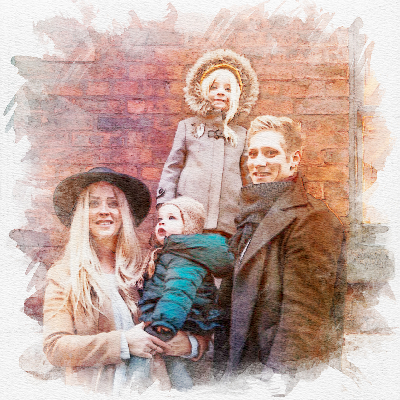

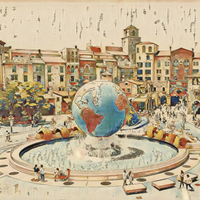
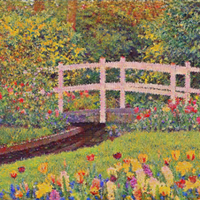
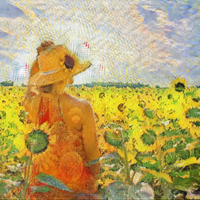


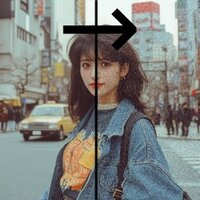


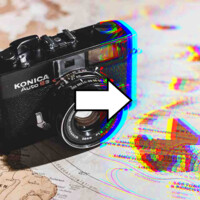
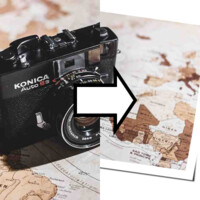
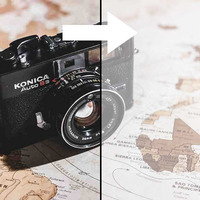
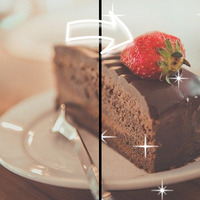

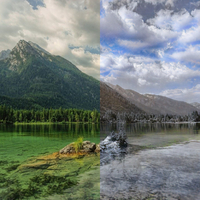
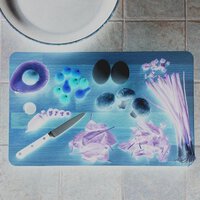
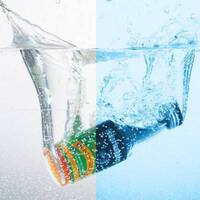



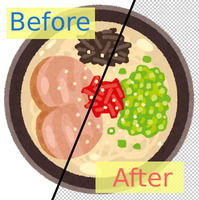
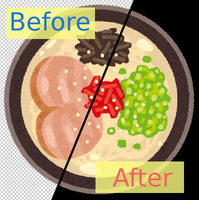
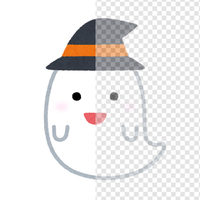
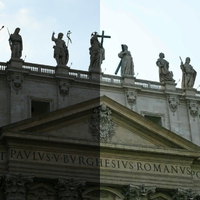
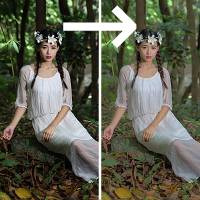
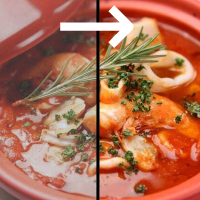
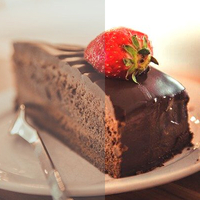

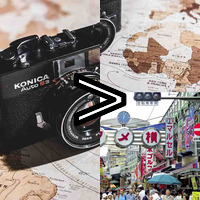
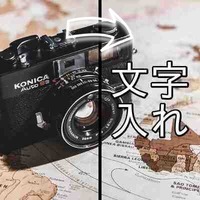
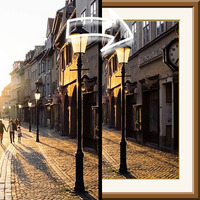





Sample Before
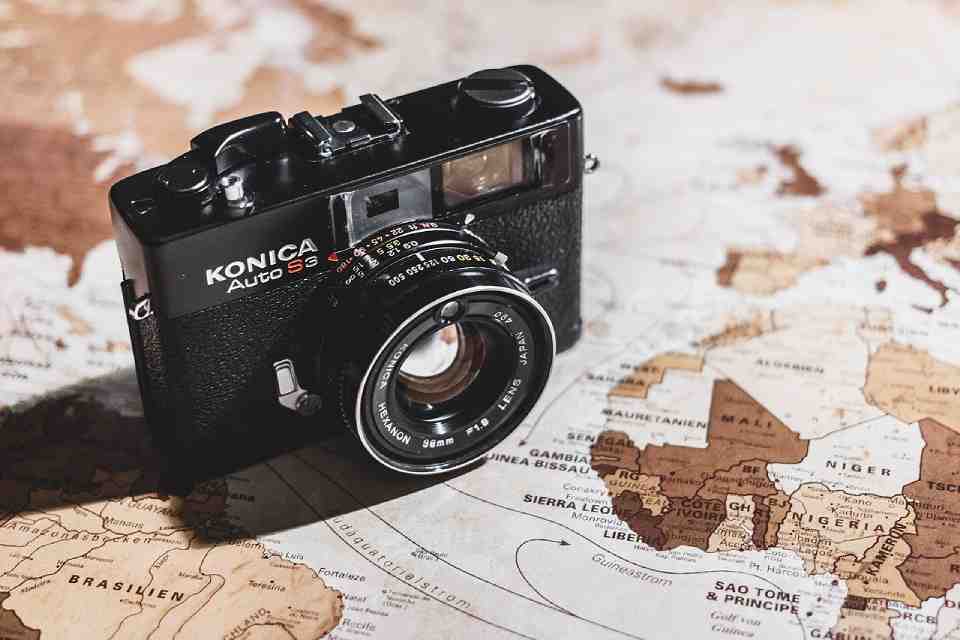
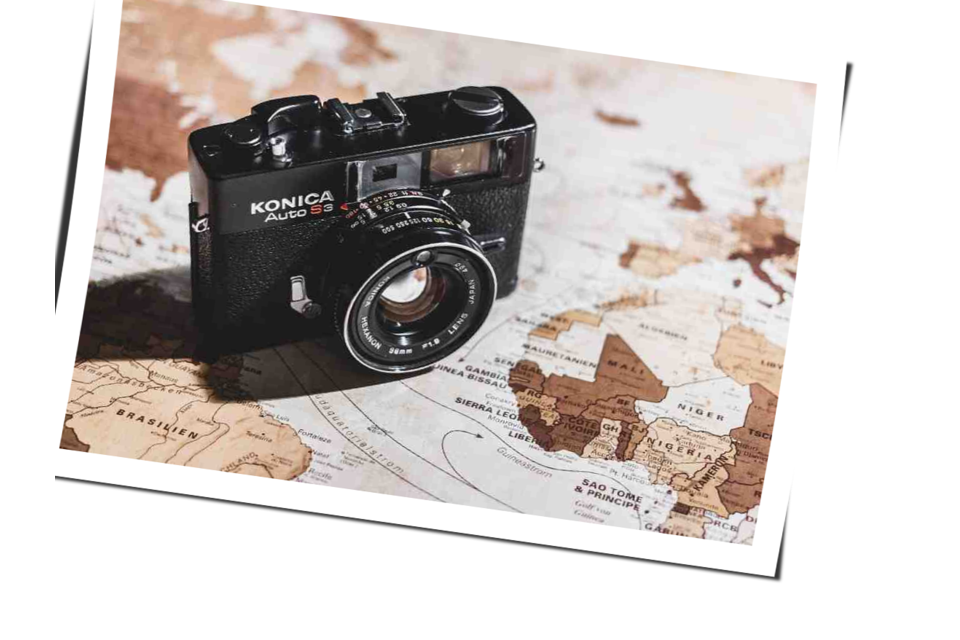
Sample After
About This Feature
This page lets you give a photo a "Polaroid" look, as if shot with an instant camera, online and for free.
By adding a white border, a soft drop shadow, and a slight tilt, it gives a retro, stylish feel — like a photo laid gently on a table.
You can set the tilt angle just by moving a slider, intuitively and with no special knowledge.
Supported file formats are JPEG, PNG, GIF, BMP, WebP, and HEIC.
By adding a white border, a soft drop shadow, and a slight tilt, it gives a retro, stylish feel — like a photo laid gently on a table.
You can set the tilt angle just by moving a slider, intuitively and with no special knowledge.
Supported file formats are JPEG, PNG, GIF, BMP, WebP, and HEIC.
How to Use
-
1Choose Your ImageClick the "Browse" button or drag and drop an image onto the screen.
-
2ConvertClick the "CONVERT FOR FREE" button.
-
3DownloadClick the "DOWNLOAD" button.
DataChef Features

Easy and Free
Unlimited conversions for free.
No technical knowledge required.
Intuitive and user-friendly operation.
No technical knowledge required.
Intuitive and user-friendly operation.

No Registration Required
Available immediately after access.
Can be used without registering personal information.
Can be used without registering personal information.

Safe and Secure
Fully SSL encrypted communication.
Automatic file deletion by clicking "download".
Automatic file deletion by clicking "download".

Fast
High-speed site access
and rapid file conversion.
and rapid file conversion.

No Watermark
No watermark.
No attribution required.
No attribution required.

Commercial Use Available
Free for commercial use.
No need to contact us for commercial use permission.
No need to contact us for commercial use permission.
What is the Polaroid Effect?
The Polaroid effect adds a white border, a shadow, and a slight tilt to make a photo look like an instant-camera print.
It gives an analog, retro feel — as if tossed casually on a desk — perfect for keepsake photos, social media posts, and album or scrapbook materials.
Settings
- Tilt (Angle)
The angle by which the photo is tilted. A positive value tilts it one way, a negative value the other; 0 keeps it straight (no tilt). Adjust it to taste.
Examples of Use
Turn a keepsake photo into a stylish Polaroid-style print
Give social media or blog images a retro feel
Make materials for albums, scrapbooks, and collages
Add a white border and shadow for a photo with more depth
What is the Polaroid Effect?
The Polaroid effect adds a white border, a shadow, and a slight tilt to make a photo look like an instant-camera print.
It gives an analog, retro feel — as if tossed casually on a desk — perfect for keepsake photos, social media posts, and album or scrapbook materials.
Settings
- Tilt (Angle)
The angle by which the photo is tilted. A positive value tilts it one way, a negative value the other; 0 keeps it straight (no tilt). Adjust it to taste.
Examples of Use
Turn a keepsake photo into a stylish Polaroid-style print
Give social media or blog images a retro feel
Make materials for albums, scrapbooks, and collages
Add a white border and shadow for a photo with more depth

Ad 

