Enter the amount invested and the amount returned (the money you got back). Set the period by dates or in years, and the gain or loss, ROI (return on investment) and annualized ROI are calculated together.
Table of Contents
-
What you can do on this page
-
What is this calculation used for?
-
How to Use
-
Formulas and figures
-
Symbols and terms
-
Good to know before you start
-
How to calculate it in Excel
-
How to calculate it in Google Sheets
-
How to calculate it in Python
-
How to write it in LaTeX and other math languages (copy and paste)
-
How to have ChatGPT do the calculation
-
DataChef Features
-
Related Features
-
NumberChef Calculators List
What you can do on this page
- Enter the amount invested and the amount returned, and get the gain or loss, ROI (return on investment), annualized ROI and investment period all at once
- Set the period either by dates (start date and end date) or by length in years (decimals such as 2.5 years are fine)
- Investments held for different lengths of time can be compared on the same scale, "% per year", with annualized ROI
- Includes a bar chart that shows the gain or loss at a glance, an explanation of the formulas, and copy-and-paste formulas for Excel, Google Sheets and Python
What is this calculation used for?
"If we buy a $30,000 machine, cost savings and extra sales should bring back $45,000 in total over 5 years." Treat that $45,000 as the amount returned: the ROI is \((45000 - 30000) \div 30000 = 0.5\) (50%), or about 8.4% a year annualized.
ROI is a standard input when a company approves equipment or system purchases. Future profits are only estimates, though, so it is good practice to also run the numbers with a cautious estimate.
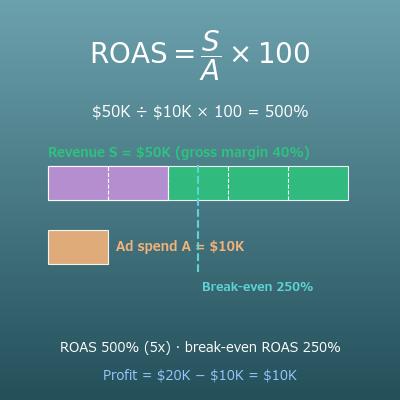
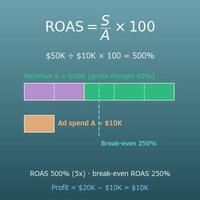
If you spend $10,000 on ads and the gross profit from those ads is $15,000, the marketing ROI is \((15000 - 10000) \div 10000 = 0.5\) (50%).
In online advertising, the basic approach is to move budget toward campaigns with a positive ROI. Just be careful to calculate with profit (revenue minus the cost of goods, that is, gross profit), not revenue, or you will overestimate the effect.
If you take a $3,000 course, earn a certification, and your salary goes up by $5,000 in a new job, the ROI is about 67% from the first year alone. "Investing in yourself" can be pictured with the same formula.
Of course, raises and passing exams are not guaranteed, and knowledge and confidence have value that does not show up in dollars. Use the number as a calm guide to whether the cost seems worth it.
If a $300,000 property brings in $18,000 of rent a year, \(18000 \div 300000 = 0.06\) (6%) is its gross rental yield. This is the income per year as a share of the amount invested, a relative of annualized ROI.
ROI looks at the total over the whole period, while yield looks at one year from the start. Gross yield does not include property management, repairs, taxes, insurance or vacancies, so what you actually keep is less. (Investors use the cap rate, based on net operating income, to include those costs.)
Fund A returned +30% in 3 years and fund B returned +45% in 5 years. Which did better? By ROI alone B wins, but annualized, A earned about 9.1% a year and B about 7.7% a year, so A did better per year.
Results over different lengths of time can only be compared fairly after you turn them into annualized ROI. Keep in mind that past performance does not guarantee future results.
Formulas and figures
Symbols and terms
Symbols
| ROI | R O I | Return on investment. The gain or loss as a % of the money invested. (Example - if $10,000 becomes $15,000, the ROI is 50%.) |
| \(C\) | C | The amount invested (cost). All the money you put into the investment. |
| \(R\) | R | The amount returned. All the money that finally came back from the investment, such as the sale price and distributions (the whole amount, including your original money, not just the profit). |
| \(G\) | G | The growth multiple. How many times the amount invested grew (\(R \div C\)). (Example - $10,000 → $15,000 is 1.5 times.) |
| \(n\) | n | The years invested. The time from investing to getting the money back, in years; it can be a decimal such as 2.5 years. |
| \(d\) | d | The number of days from the start date to the end date. Divide by 365.25 to turn it into years. |
| \(A\) | A | Annualized ROI. The ROI turned into "% per year", used to compare investments held for different lengths of time. |
| \(G^{1/n}\) | G to the one over n | The growth multiple \(G\) to the power \(1/n\): the number that gives \(G\) when raised to the power \(n\), which is the average growth factor per year. (Example - doubling in 2 years is \(2^{1/2} \approx 1.414\) times per year.) |
Terms
| ROI (return on investment) | The profit on an investment as a share of the money invested. It is found as "gain or loss ÷ amount invested" and written as a %. It is one of the most widely used measures in business. |
| annualized | Restated as "% per year", so that results over different lengths of time can be compared fairly. Financial documents may call it the annualized return or CAGR (compound annual growth rate). |
| geometric mean | An average taken by multiplication. Unlike the usual average (the arithmetic mean: add up and divide), you multiply all \(n\) numbers together and raise the product to the power \(1/n\). It is the right average for amounts that build up by multiplication, such as growth factors and growth rates. |
| nth root | The number that gives a given number when raised to the power \(n\). It can be written as the power \(1/n\). (Example - the cube root of 8, \(8^{1/3}\), is the number that gives 8 when cubed, which is 2.) |
| marketing ROI | ROI that treats advertising and promotion spending as an investment. It is "(profit added by the ads − ad spend) ÷ ad spend". Be careful to use profit (gross profit), not revenue, or you will overestimate the effect. |
| yield | The income per year as a share of the amount invested. ROI looks at the total over the whole period, while yield looks at one year from the start. It is used for rental property and bonds, and is a relative of annualized ROI. |
Good to know before you start
Here is what helps you use the calculation on this page with real understanding, not just by pressing the button.
| Percents (Grades 6–7) |
|
| Positive and negative numbers (Grades 6–7) |
|
| Exponents and roots (Grade 8 to Algebra 2) |
|
How to calculate it in Excel
| Amount invested | 10000 |
| Amount returned | 15000 |
| ROI (%) | =(B2-B1)/B1*100 |
| Amount invested | 10000 |
| Amount returned | 15000 |
| Years invested | 3 |
| Annualized ROI (%) | =((B2/B1)^(1/B3)-1)*100 |
| Start date | 2026-07-03 |
| End date | 2030-12-31 |
| Years invested | =(B2-B1)/365.25 |
The second table adds the years invested in B3 and gives the annualized ROI (about 14.47 in the example, 14.47% a year). "^" is a power, and "^(1/B3)" is the part that finds the number that gives the total growth when raised to the power B3 (the growth factor per year).
The third table subtracts one date from the other to get the number of days and divides by 365.25 to turn it into years (about 4.496 years in the example). If the result cell shows a date, change the cell format to Number. For periods of exactly a whole number of years, the result can differ from this page by about 1/1000 of a year because of leap years.
How to calculate it in Google Sheets
| Amount invested | 10000 |
| Amount returned | 15000 |
| ROI (%) | =(B2-B1)/B1*100 |
| Amount invested | 10000 |
| Amount returned | 15000 |
| Years invested | 3 |
| Annualized ROI (%) | =((B2/B1)^(1/B3)-1)*100 |
| Start date | 2026-07-03 |
| End date | 2030-12-31 |
| Years invested | =(B2-B1)/365.25 |
How to calculate it in Python
from datetime import date

invested = 10000   # amount invested ($)
returned = 15000   # amount returned ($)
years = 3          # years invested

gain = returned - invested                                # gain or loss
roi = gain / invested * 100                               # ROI (%)
annualized_roi = ((returned / invested) ** (1 / years) - 1) * 100  # annualized ROI (%)

print(f"Gain or loss: ${gain}")
print(f"ROI: {roi:.2f}%")
print(f"Annualized ROI: {annualized_roi:.2f}%")

# To set the period by dates, divide the number of days by 365.25 to get years
days = (date(2030, 12, 31) - date(2026, 7, 3)).days
years_from_dates = days / 365.25
print(f"Years invested: {years_from_dates:.3f}")
How to write it in LaTeX and other math languages (copy and paste)
ROI = (R − C) ÷ C
\mathrm{ROI} = \frac{R - C}{C}
<math xmlns="http://www.w3.org/1998/Math/MathML" display="block">
<mrow>
<mi>ROI</mi>
<mo>=</mo>
<mfrac>
<mrow><mi>R</mi><mo>−</mo><mi>C</mi></mrow>
<mi>C</mi>
</mfrac>
</mrow>
</math>
ROI = (R - C) / C
(r - c)/c
ROI := (r - c)/c;
ROI = (r - c)/c;
ROI = (R − C)/C
A = \left(\frac{R}{C}\right)^{1/n} - 1
<math xmlns="http://www.w3.org/1998/Math/MathML" display="block">
<mrow>
<mi>A</mi>
<mo>=</mo>
<msup>
<mrow>
<mo>(</mo>
<mfrac><mi>R</mi><mi>C</mi></mfrac>
<mo>)</mo>
</mrow>
<mrow><mn>1</mn><mo>/</mo><mi>n</mi></mrow>
</msup>
<mo>−</mo>
<mn>1</mn>
</mrow>
</math>
A = (R/C)^(1/n) - 1
(r/c)^(1/n) - 1
A := (r/c)^(1/n) - 1;
A = (r/c)^(1/n) - 1;
A = (R/C)^(1/n) − 1
n = d ÷ 365.25
n = \frac{d}{365.25}
<math xmlns="http://www.w3.org/1998/Math/MathML" display="block">
  <mrow>
    <mi>n</mi>
    <mo>=</mo>
    <mfrac>
      <mi>d</mi>
      <mn>365.25</mn>
    </mfrac>
  </mrow>
</math>
n = d / 365.25
d/365.25
n := d/365.25;
n = d/365.25;
n = d/365.25
How to have ChatGPT do the calculation
You are an investment calculation assistant. Do the following calculation by actually running Python code, and base your answer only on the numbers from the execution result (do not answer by mental math or guessing).

I invested $10,000, and 3 years later I got $15,000 back.
Find each of the following:
1. The gain or loss (in dollars)
2. The ROI (return on investment, in %, to 2 decimal places)
3. The annualized ROI (in %, to 2 decimal places) = (amount returned ÷ amount invested) to the power (1/years) − 1

Show the formulas you used and the numbers from the execution result.
How to Use
-
1Enter your numbersType the numbers you want to calculate with into the input fields
-
2CalculatePress the "Calculate" button
-
3Check the resultThe result appears on the spot. The same page also explains the idea behind the calculation and the formula
DataChef Features

No technical knowledge required.
Intuitive and user-friendly operation.

Can be used without registering personal information.

Automatic file deletion by clicking "download".

and rapid file conversion.

No attribution required.

No need to contact us for commercial use permission.
Related Features
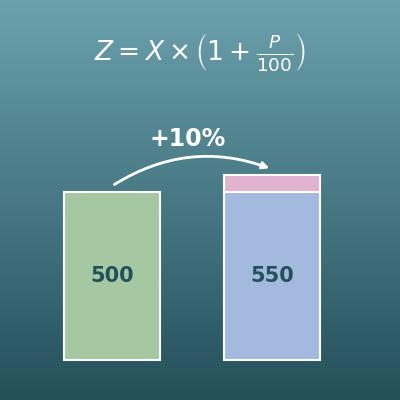
Percentage Change Calculator (Increase and Decrease)
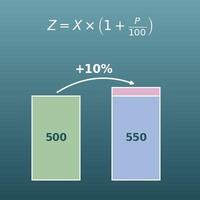
"By what percent did it go up or down?" The closest relative of ROI, using exactly the same math
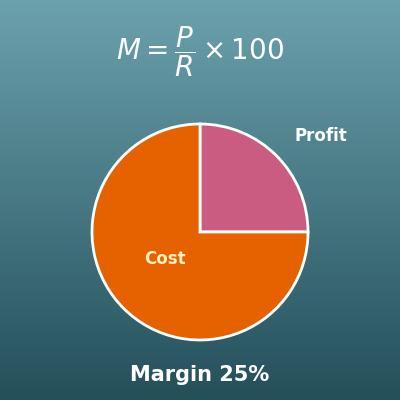
Profit Margin Calculator (Cost, Revenue, Profit and Markup)
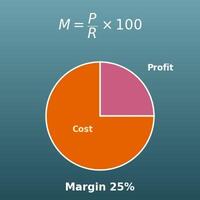
Profit as a share of sales in a business. Use it for pricing and gross profit rather than investments
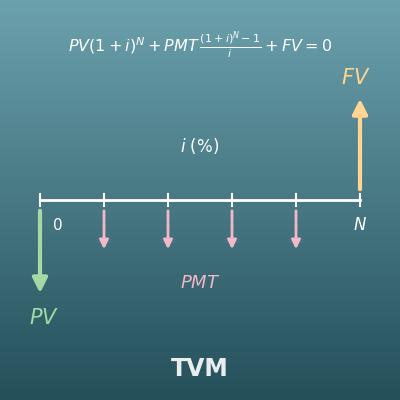
TVM Calculator (Time Value of Money Finance Calculator)
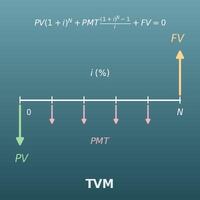
A financial calculator that solves for future balances and more from the principal, payments, rate and time. Go here for compound interest
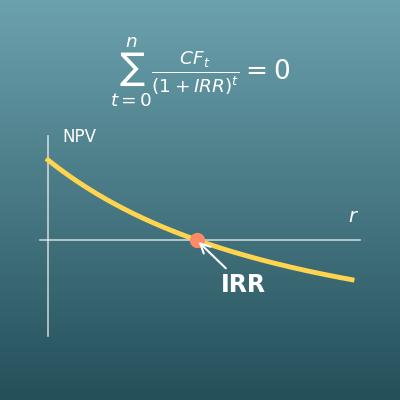
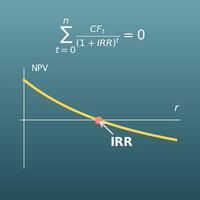
IRR Calculator (Internal Rate of Return from Cash Flows)
For the return on an investment whose yearly cash flows are all different. Finds the IRR from the yearly cash flows
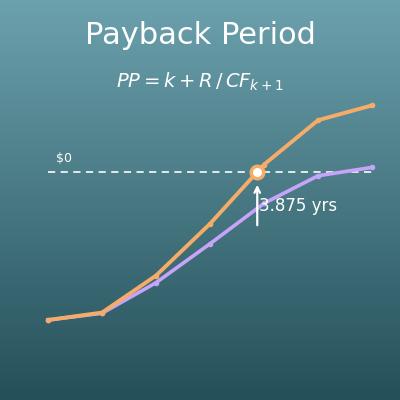
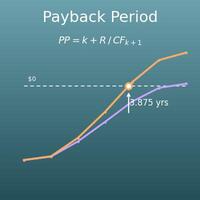
Payback Period Calculator (Simple and Discounted Payback)
"How many years until I get my money back?" Judges an investment by how fast the yearly cash flows repay it
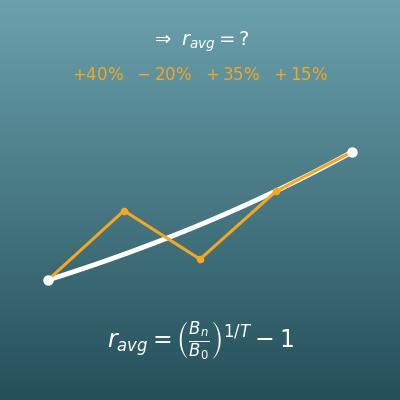
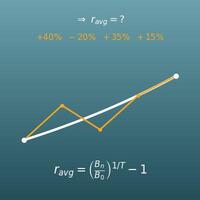
Average Return Calculator (Annualized Geometric Average and Cumulative Return)
From returns for each period such as "+10% in year 1, −5% in year 2…", finds the cumulative return and the average annual return