
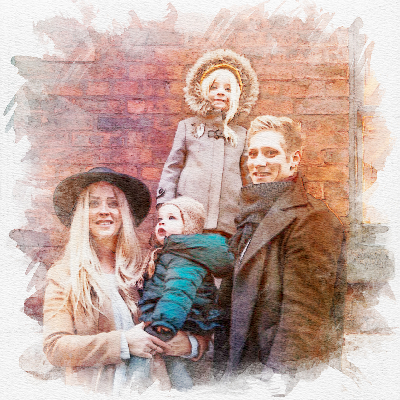

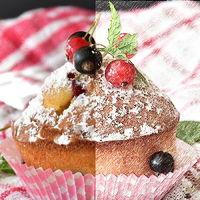
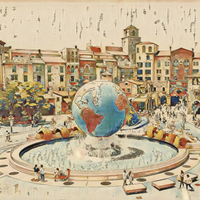
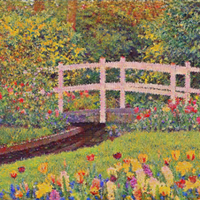
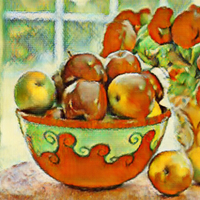
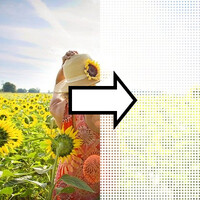
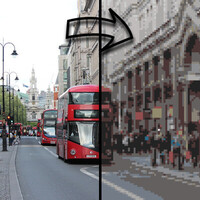
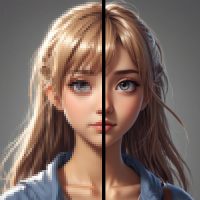


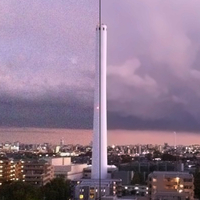
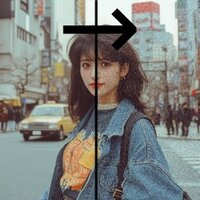
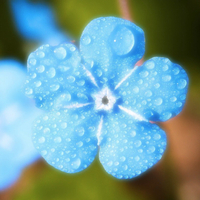

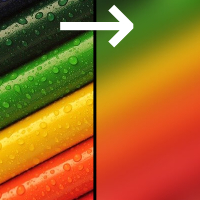
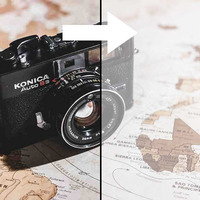
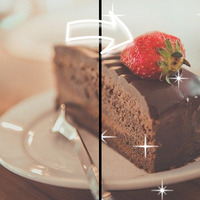

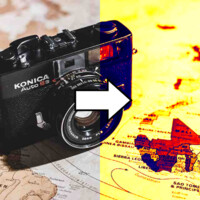
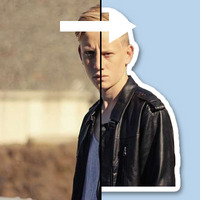

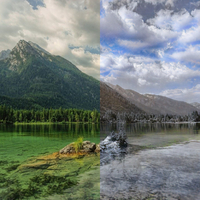
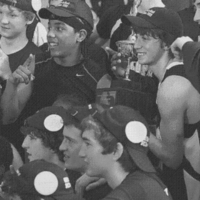
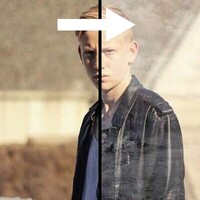

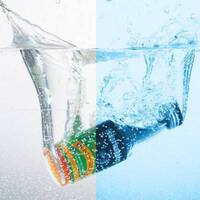

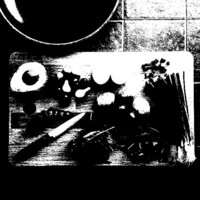


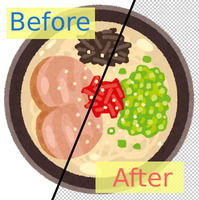
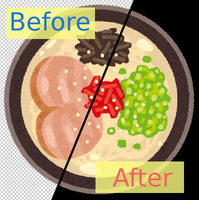

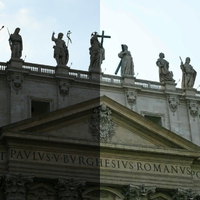
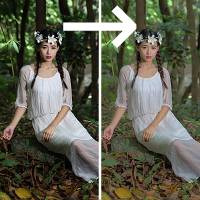
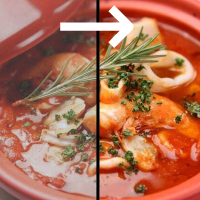
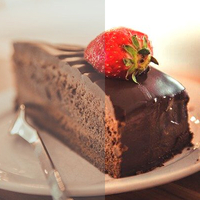












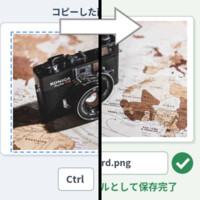
Sample Before

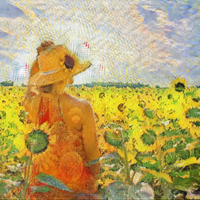
Sample After

About This Feature
This page upscales low-resolution images and blurry photos to a higher quality, free online.
AI-powered processing gives you a more natural, sharper result than a plain resize ever could.
Key Features
What You Can Use It For
AI-powered processing gives you a more natural, sharper result than a plain resize ever could.
Key Features
- Enlarge images up to 4x (the longer side can reach 5120px)
- AI-based detail restoration and enhancement
- Noise reduction
What You Can Use It For
- Enlarge phone snapshots for a photo book
- Size up a low-resolution image for use as wallpaper
- Turn a small web image into a full-size, high-resolution version
- Optimize photos from an old low-megapixel camera for a large display
- Scale a small thumbnail up into a large image for a detail page
How do I upscale an image?
-
1Choose Your ImageClick the "Browse" button or drag and drop an image onto the screen.
-
2ConvertClick the "CONVERT FOR FREE" button.
-
3DownloadClick the "DOWNLOAD" button.
DataChef Features

Easy and Free
Unlimited conversions for free.
No technical knowledge required.
Intuitive and user-friendly operation.
No technical knowledge required.
Intuitive and user-friendly operation.

No Registration Required
Available immediately after access.
Can be used without registering personal information.
Can be used without registering personal information.

Safe and Secure
Fully SSL encrypted communication.
Automatic file deletion by clicking "download".
Automatic file deletion by clicking "download".

Fast
High-speed site access
and rapid file conversion.
and rapid file conversion.

No Watermark
No watermark.
No attribution required.
No attribution required.

Commercial Use Available
Free for commercial use.
No need to contact us for commercial use permission.
No need to contact us for commercial use permission.
Related Features

Image Noise Reduction

Sharpen Blurry Images

Ad 

