
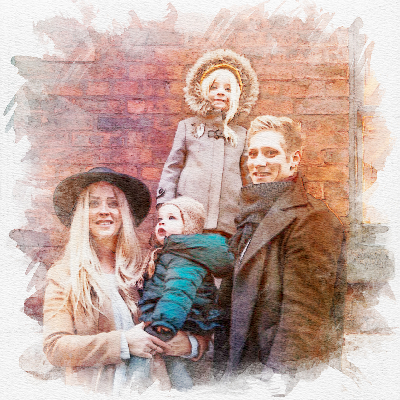



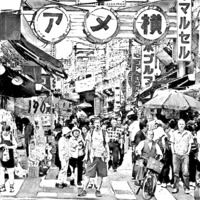
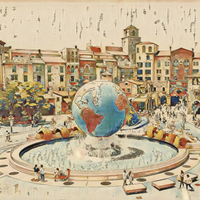
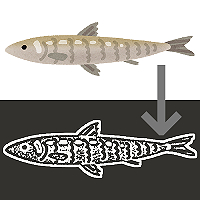
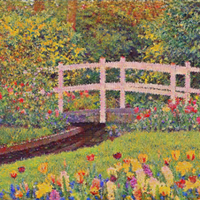
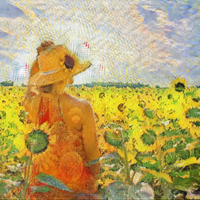
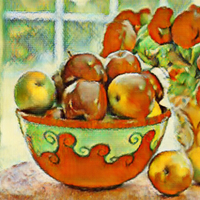
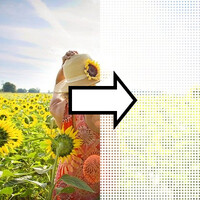





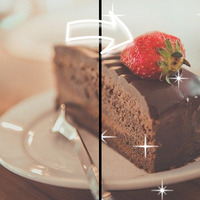

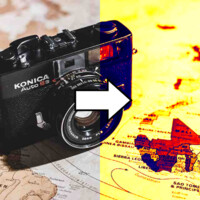


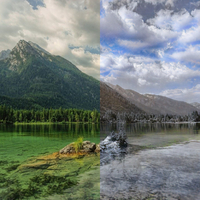







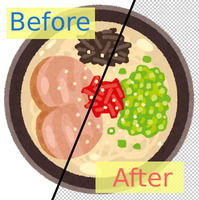

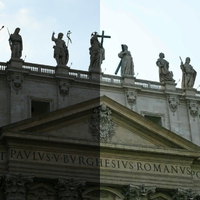
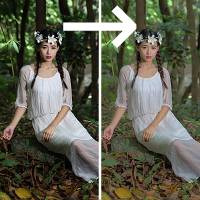
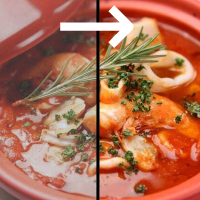
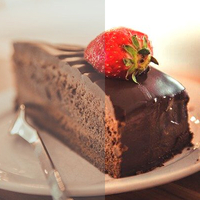

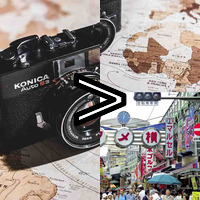

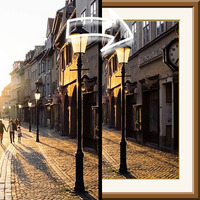









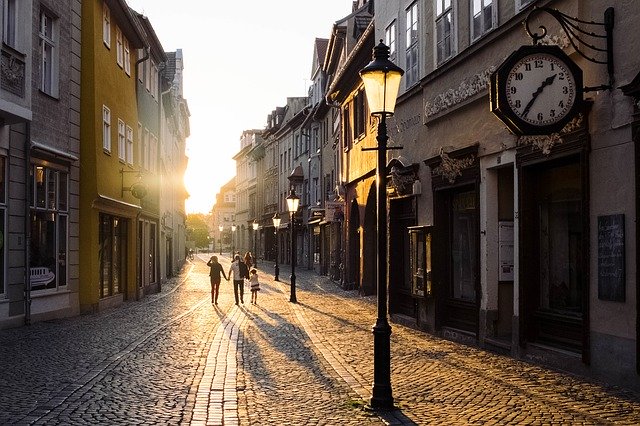
Sample Before
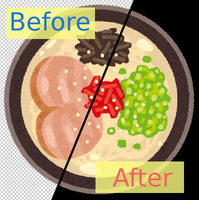
Sample After
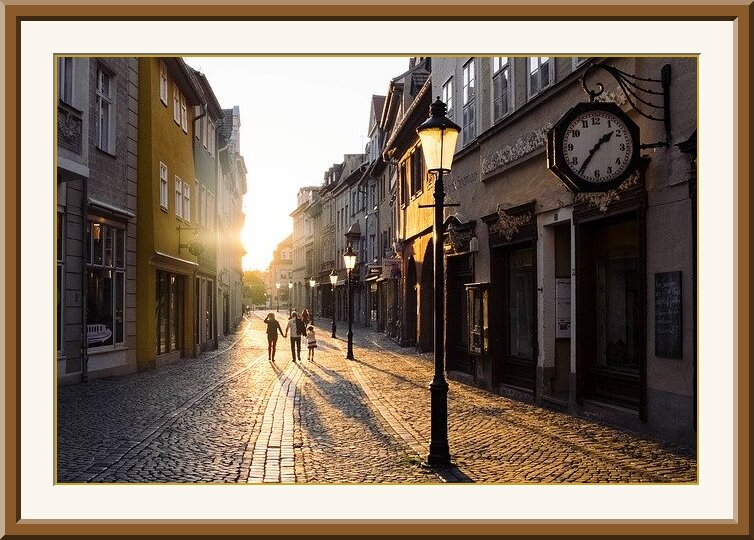
Table of Contents
About This Feature
On this page, you can wrap a photo or illustration in a realistic 3D picture frame, so it looks like a framed artwork hanging on a wall.
Just like real framing, you can add a mat board (the white border around the photo) and a thin gold inner liner — so the result is a step above a plain border and looks like a piece on display in a gallery.
The frame comes in five colors — wood brown, gold, black, white, and silver — and you can freely adjust the frame width plus the mat board's color and width. Great for interior-style decoration, artwork display mockups, and dressing up your social media posts.
Supported file formats are JPEG, PNG, GIF, BMP, WebP, and HEIC.
Just like real framing, you can add a mat board (the white border around the photo) and a thin gold inner liner — so the result is a step above a plain border and looks like a piece on display in a gallery.
The frame comes in five colors — wood brown, gold, black, white, and silver — and you can freely adjust the frame width plus the mat board's color and width. Great for interior-style decoration, artwork display mockups, and dressing up your social media posts.
Supported file formats are JPEG, PNG, GIF, BMP, WebP, and HEIC.
How to Use
-
1Choose Your ImageClick the "Browse" button or drag and drop an image onto the screen.
-
2ConvertClick the "CONVERT FOR FREE" button.
-
3DownloadClick the "DOWNLOAD" button.
DataChef Features

Easy and Free
Unlimited conversions for free.
No technical knowledge required.
Intuitive and user-friendly operation.
No technical knowledge required.
Intuitive and user-friendly operation.

No Registration Required
Available immediately after access.
Can be used without registering personal information.
Can be used without registering personal information.

Safe and Secure
Fully SSL encrypted communication.
Automatic file deletion by clicking "download".
Automatic file deletion by clicking "download".

Fast
High-speed site access
and rapid file conversion.
and rapid file conversion.

No Watermark
No watermark.
No attribution required.
No attribution required.

Commercial Use Available
Free for commercial use.
No need to contact us for commercial use permission.
No need to contact us for commercial use permission.
What Is Framing?
Framing means putting a picture or photo into a frame so it is ready to display.
On this page, the frame's edges are given a beveled, light-and-shadow effect to recreate the look of a real frame.
You can also add the "mat board" that sits between the frame and the photo, making your photo stand out like a finished work of art.
About the Settings
- Frame Color
Choose from five colors: wood brown, gold, black, white, and silver. Wood suits landscape photos, gold looks luxurious, and black gives a modern feel.
- Frame Width (% of image size)
Set as a percentage of the image size. The wider the frame, the more substantial it looks.
- Add a Mat Board
The board placed between the photo and the frame. Adding it gives the photo breathing room for an elegant, museum-gallery finish.
- Mat Board Color
Off-white is the classic choice, but you can change it to any color. Matching it to the photo's tones gives a unified look.
- Mat Board Width (% of image size)
Set as a percentage of the image size. The wider the mat, the more spacious and gallery-like the impression.
- Add a Thin Gold Inner Liner
A thin gold accent line just outside the photo. A small touch that adds a sense of luxury.
Example Uses
Post travel or pet photos to social media as if they were framed artwork
Let illustrators and photographers present their work as a display mockup
Use wall-art-style images in interior design proposals
Finish gift cards and keepsake photos with a photo-frame look
What Is Framing?
Framing means putting a picture or photo into a frame so it is ready to display.
On this page, the frame's edges are given a beveled, light-and-shadow effect to recreate the look of a real frame.
You can also add the "mat board" that sits between the frame and the photo, making your photo stand out like a finished work of art.
About the Settings
- Frame Color
Choose from five colors: wood brown, gold, black, white, and silver. Wood suits landscape photos, gold looks luxurious, and black gives a modern feel. - Frame Width (% of image size)
Set as a percentage of the image size. The wider the frame, the more substantial it looks. - Add a Mat Board
The board placed between the photo and the frame. Adding it gives the photo breathing room for an elegant, museum-gallery finish. - Mat Board Color
Off-white is the classic choice, but you can change it to any color. Matching it to the photo's tones gives a unified look. - Mat Board Width (% of image size)
Set as a percentage of the image size. The wider the mat, the more spacious and gallery-like the impression. - Add a Thin Gold Inner Liner
A thin gold accent line just outside the photo. A small touch that adds a sense of luxury.
Example Uses
Post travel or pet photos to social media as if they were framed artwork
Let illustrators and photographers present their work as a display mockup
Use wall-art-style images in interior design proposals
Finish gift cards and keepsake photos with a photo-frame look

Ad 

