
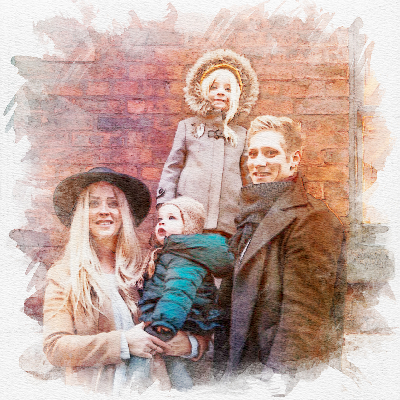
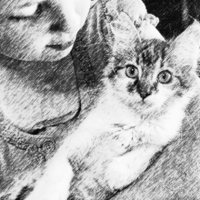

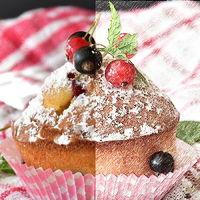
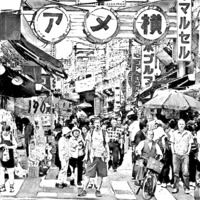
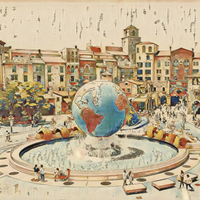
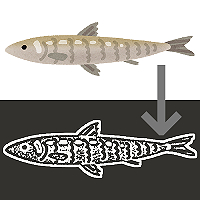
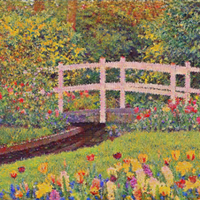
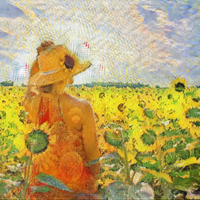
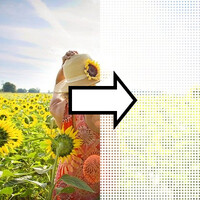



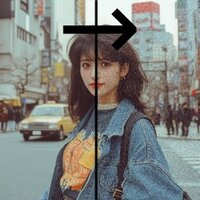
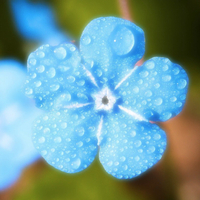

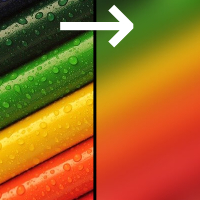
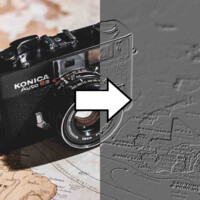
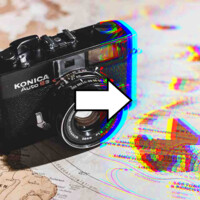
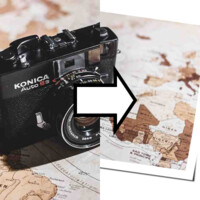
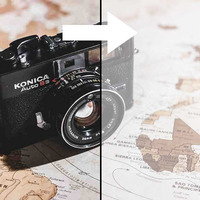
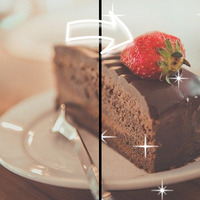

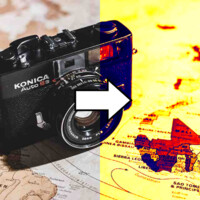
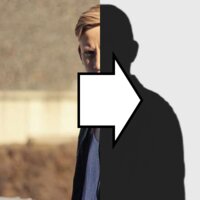
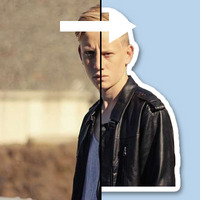
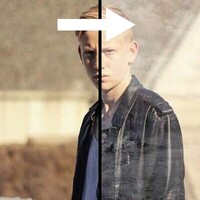
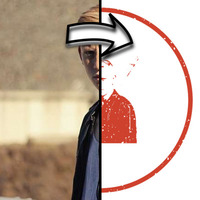
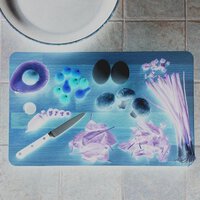
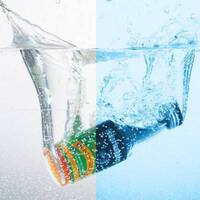



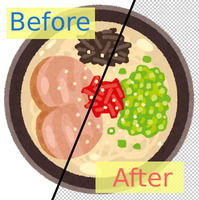
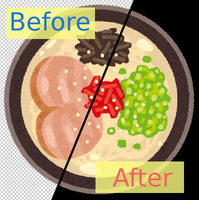
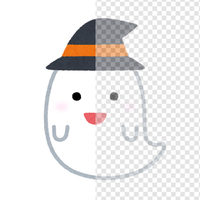
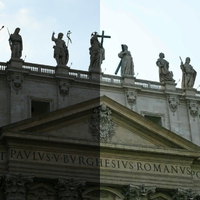
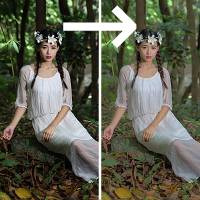
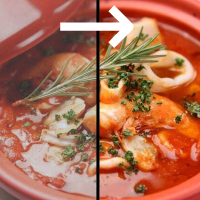
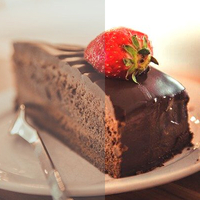

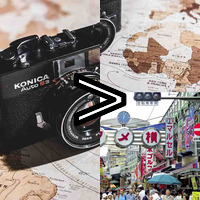
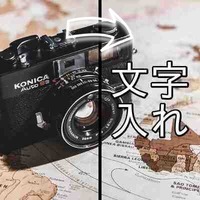
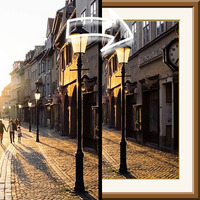
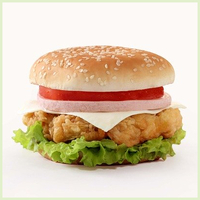




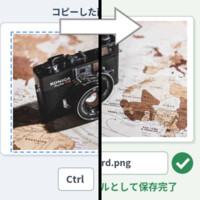
Sample Before

Sample After

About This Feature
This page is a free online sticker maker: it adds a white border around the subject in your photo (a person, pet, object, and so on) to create a die-cut sticker image.
AI cuts out the subject automatically, so there is nothing tricky to do. Just upload a photo and a white border (like a sticker's backing paper) follows the subject's outline, giving you a ready-to-peel sticker image. If you upload an image that is already cut out on a transparent background (such as a transparent PNG), it keeps that cutout as-is and adds the border to it.
You can freely change the border width and color and add a shadow that makes the sticker look slightly lifted off the page. Keep the background transparent to save it as a transparent PNG, ready to layer onto other images for social media posts, sticker drafts, or merch design mockups.
* Because this uses AI, conversion takes a little time.
Supported file formats are JPEG, PNG, GIF, and BMP.
AI cuts out the subject automatically, so there is nothing tricky to do. Just upload a photo and a white border (like a sticker's backing paper) follows the subject's outline, giving you a ready-to-peel sticker image. If you upload an image that is already cut out on a transparent background (such as a transparent PNG), it keeps that cutout as-is and adds the border to it.
You can freely change the border width and color and add a shadow that makes the sticker look slightly lifted off the page. Keep the background transparent to save it as a transparent PNG, ready to layer onto other images for social media posts, sticker drafts, or merch design mockups.
* Because this uses AI, conversion takes a little time.
Supported file formats are JPEG, PNG, GIF, and BMP.
How to Use
-
1Choose Your ImageClick the "Browse" button or drag and drop an image onto the screen.
-
2ConvertClick the "CONVERT FOR FREE" button.
-
3DownloadClick the "DOWNLOAD" button.
DataChef Features

Easy and Free
Unlimited conversions for free.
No technical knowledge required.
Intuitive and user-friendly operation.
No technical knowledge required.
Intuitive and user-friendly operation.

No Registration Required
Available immediately after access.
Can be used without registering personal information.
Can be used without registering personal information.

Safe and Secure
Fully SSL encrypted communication.
Automatic file deletion by clicking "download".
Automatic file deletion by clicking "download".

Fast
High-speed site access
and rapid file conversion.
and rapid file conversion.

No Watermark
No watermark.
No attribution required.
No attribution required.

Commercial Use Available
Free for commercial use.
No need to contact us for commercial use permission.
No need to contact us for commercial use permission.
What Is the Sticker Effect?
The sticker effect adds a white border along the subject's outline so it looks like a sticker cut from its backing paper.
You can create the look of a shop-bought die-cut sticker (a sticker cut to follow the subject's shape) from any photo you like.
How the Subject Is Detected
The tool switches its behavior automatically based on whether your uploaded image contains transparent areas.
- For an already cut-out transparent PNG: the existing cutout (the opaque area) is used as the subject as-is, respecting the cutout you made.
- For a JPEG photo that still has its background: an AI background-removal engine detects and cuts out the subject automatically, then adds the border to its outline.
About the Settings
- Border Width
How thick the border around the subject is. A thin border looks elegant, while a thick one looks pop and cute.
- Border Color
White is the classic choice, but you can also pick black or any color. For stickers placed on a whitish background, a colored border makes the outline stand out.
- Add a Shadow
When checked, a light shadow makes the sticker look slightly lifted, adding a sense of depth.
- Background
"Transparent" gives a transparent PNG you can layer onto other images directly. You can also fill it with white or any color.
Examples of Use
Turning photos of pets or children into stickers to decorate social posts and messages
Quickly drafting messaging-app stickers
Merch designers checking mockups of stickers and acrylic keychains
Video creators placing a white-bordered cutout of a person in a thumbnail
Cutting out online-shop product photos for use in banners and flyers
Making decorative fan-merch elements (trading-card and ita-bag style accents)
What Is the Sticker Effect?
The sticker effect adds a white border along the subject's outline so it looks like a sticker cut from its backing paper.
You can create the look of a shop-bought die-cut sticker (a sticker cut to follow the subject's shape) from any photo you like.
How the Subject Is Detected
The tool switches its behavior automatically based on whether your uploaded image contains transparent areas.
- For an already cut-out transparent PNG: the existing cutout (the opaque area) is used as the subject as-is, respecting the cutout you made.
- For a JPEG photo that still has its background: an AI background-removal engine detects and cuts out the subject automatically, then adds the border to its outline.
About the Settings
- Border Width
How thick the border around the subject is. A thin border looks elegant, while a thick one looks pop and cute. - Border Color
White is the classic choice, but you can also pick black or any color. For stickers placed on a whitish background, a colored border makes the outline stand out. - Add a Shadow
When checked, a light shadow makes the sticker look slightly lifted, adding a sense of depth. - Background
"Transparent" gives a transparent PNG you can layer onto other images directly. You can also fill it with white or any color.
Examples of Use
Turning photos of pets or children into stickers to decorate social posts and messages
Quickly drafting messaging-app stickers
Merch designers checking mockups of stickers and acrylic keychains
Video creators placing a white-bordered cutout of a person in a thumbnail
Cutting out online-shop product photos for use in banners and flyers
Making decorative fan-merch elements (trading-card and ita-bag style accents)
Related Features

AI Background Remover
Use this if you only want to cut out the subject (make the background transparent) without adding a border.
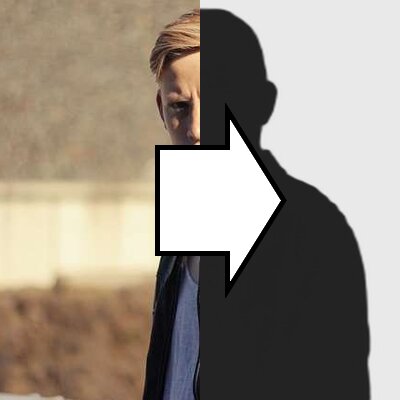
Convert an Image to a Silhouette
Use this if you want to cut out the subject and turn it into a silhouette image.

Ad 

