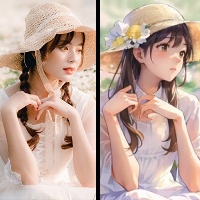
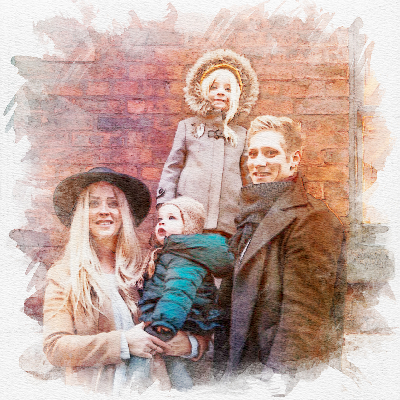

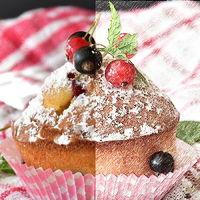
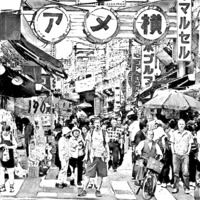
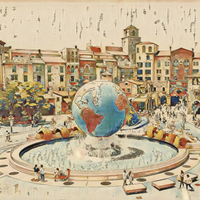
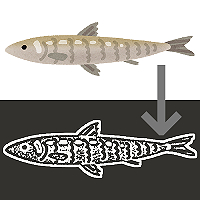
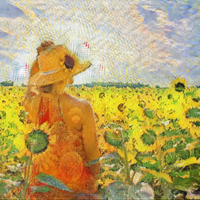
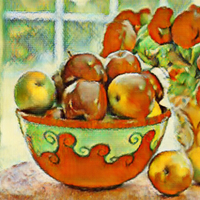
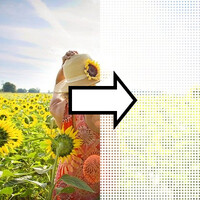
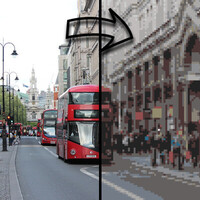
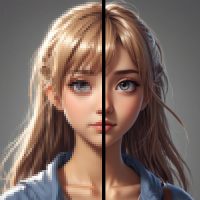

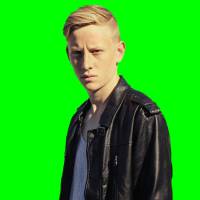
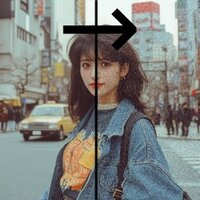

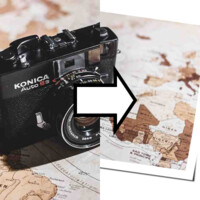
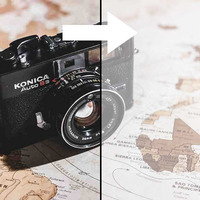
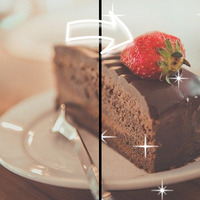

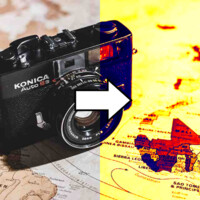
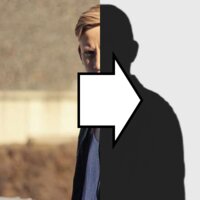
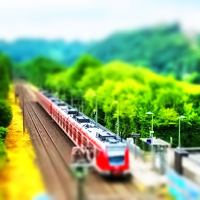
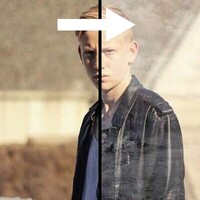
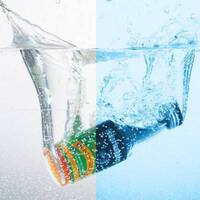

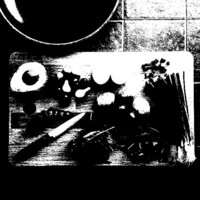


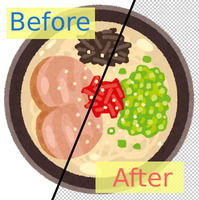
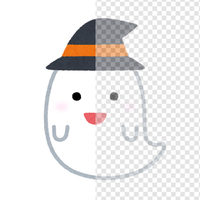
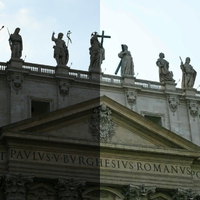
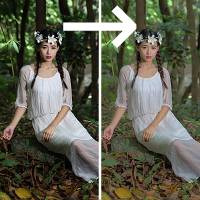
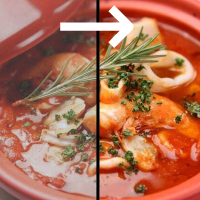
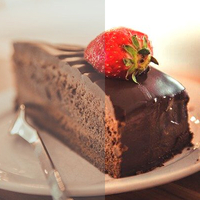

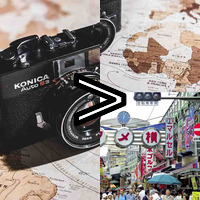
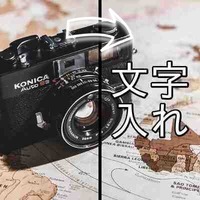
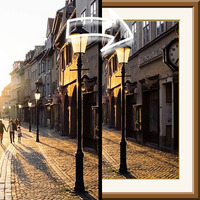
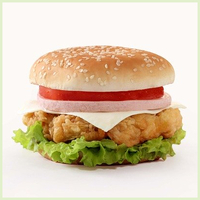





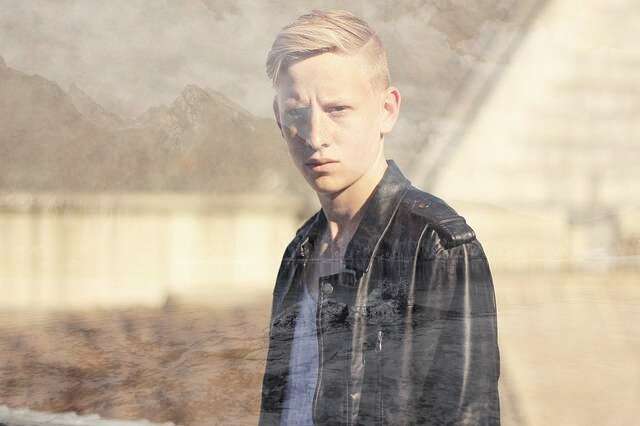
Sample Before

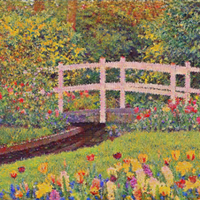
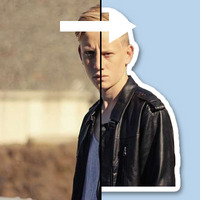
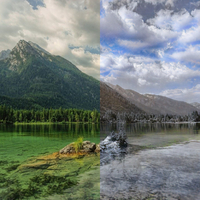
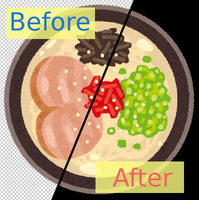
Sample After
About This Feature
This page lets you blend two photos into a double exposure, online and for free.
A double exposure is the look of two photos overlapping and showing through each other, like firing a film camera's shutter twice on the same frame. You can recreate that dreamlike effect — a forest or seascape emerging within a person's profile — familiar from portrait art, album covers, and movie posters, with no special software.
Upload the first, main image (such as a portrait), then choose the second image to blend in (a landscape, sky, flowers, and so on) from "Settings". You can adjust how strongly the second image shows through, the blend mode, and whether to convert it to black and white before blending.
Supported file formats are JPEG, PNG, GIF, BMP, WebP, and HEIC.
A double exposure is the look of two photos overlapping and showing through each other, like firing a film camera's shutter twice on the same frame. You can recreate that dreamlike effect — a forest or seascape emerging within a person's profile — familiar from portrait art, album covers, and movie posters, with no special software.
Upload the first, main image (such as a portrait), then choose the second image to blend in (a landscape, sky, flowers, and so on) from "Settings". You can adjust how strongly the second image shows through, the blend mode, and whether to convert it to black and white before blending.
Supported file formats are JPEG, PNG, GIF, BMP, WebP, and HEIC.
How to Use
-
1Choose Your ImageClick the "Browse" button or drag and drop an image onto the screen.
-
2ConvertClick the "CONVERT FOR FREE" button.
-
3DownloadClick the "DOWNLOAD" button.
DataChef Features

Easy and Free
Unlimited conversions for free.
No technical knowledge required.
Intuitive and user-friendly operation.
No technical knowledge required.
Intuitive and user-friendly operation.

No Registration Required
Available immediately after access.
Can be used without registering personal information.
Can be used without registering personal information.

Safe and Secure
Fully SSL encrypted communication.
Automatic file deletion by clicking "download".
Automatic file deletion by clicking "download".

Fast
High-speed site access
and rapid file conversion.
and rapid file conversion.

No Watermark
No watermark.
No attribution required.
No attribution required.

Commercial Use Available
Free for commercial use.
No need to contact us for commercial use permission.
No need to contact us for commercial use permission.
What Is a Double Exposure?
A double exposure was originally a film-camera technique: exposing a single frame of film twice to overlay two images. It is also called a multiple exposure.
Digitally, you can recreate the same look by blending two images so the brighter areas show through. The classic combination is a portrait silhouette with a landscape, giving a striking image where trees or a cityscape show through the hair and outline.
Tips for a Clean Result
- For the first image, choose a portrait with a bright (whitish) background, so that in the classic "Lighten (Screen)" mode the background blows out to white and the second image appears only within the person.
- For the second image, a scenic photo that reads well as a pattern works best — a forest, mountains, the sea, the sky, flowers, or a night view.
- Turning on "Convert the second image to black and white before blending" keeps the colors from clashing, for a moody, true double-exposure finish.
- The second image is automatically resized to match the first (cropping any overflow from the center), so photos of different sizes work as is.
Choosing a Blend Mode
- Lighten (Screen — the classic)
Blends so the brighter areas of the two images remain. This is the go-to double-exposure look: a white background stays white, and the second image emerges in the dark areas, such as a person's silhouette.
- Darken (Multiply)
Blends so the darker areas of the two images remain. The second image appears over bright areas like sky or a white wall, for a moody, dark atmosphere.
- Plain Semi-Transparent Overlay
Overlays the second image as is, like a semi-transparent film. It lays faintly over everything regardless of light and dark — a simple multiple exposure.
Example Uses
Photographers blending a landscape into a portrait for an artistic finish
Musicians creating artwork for an album cover or a music-video thumbnail
Designers quickly mocking up a key visual for a poster or flyer
Turning a social media icon or header into a dreamlike image
What Is a Double Exposure?
A double exposure was originally a film-camera technique: exposing a single frame of film twice to overlay two images. It is also called a multiple exposure.
Digitally, you can recreate the same look by blending two images so the brighter areas show through. The classic combination is a portrait silhouette with a landscape, giving a striking image where trees or a cityscape show through the hair and outline.
Tips for a Clean Result
- For the first image, choose a portrait with a bright (whitish) background, so that in the classic "Lighten (Screen)" mode the background blows out to white and the second image appears only within the person.
- For the second image, a scenic photo that reads well as a pattern works best — a forest, mountains, the sea, the sky, flowers, or a night view.
- Turning on "Convert the second image to black and white before blending" keeps the colors from clashing, for a moody, true double-exposure finish.
- The second image is automatically resized to match the first (cropping any overflow from the center), so photos of different sizes work as is.
Choosing a Blend Mode
- Lighten (Screen — the classic)
Blends so the brighter areas of the two images remain. This is the go-to double-exposure look: a white background stays white, and the second image emerges in the dark areas, such as a person's silhouette. - Darken (Multiply)
Blends so the darker areas of the two images remain. The second image appears over bright areas like sky or a white wall, for a moody, dark atmosphere. - Plain Semi-Transparent Overlay
Overlays the second image as is, like a semi-transparent film. It lays faintly over everything regardless of light and dark — a simple multiple exposure.
Example Uses
Photographers blending a landscape into a portrait for an artistic finish
Musicians creating artwork for an album cover or a music-video thumbnail
Designers quickly mocking up a key visual for a poster or flyer
Turning a social media icon or header into a dreamlike image

Ad 

