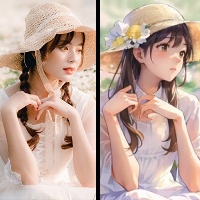
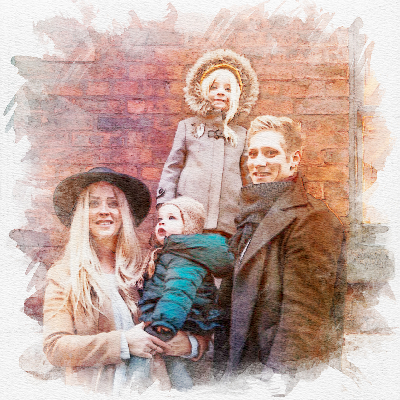
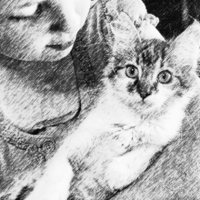

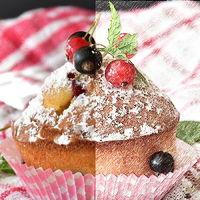
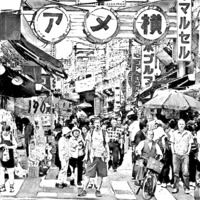
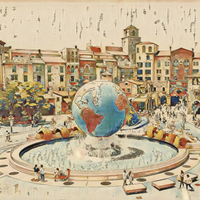
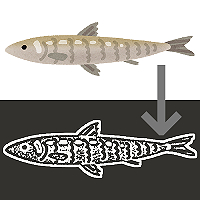
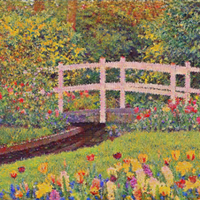
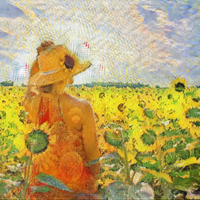
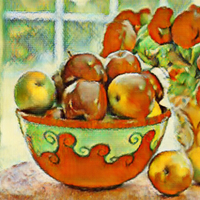
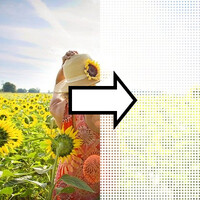
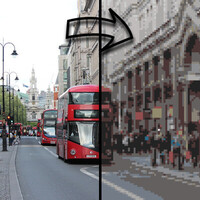
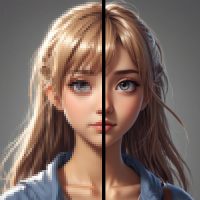


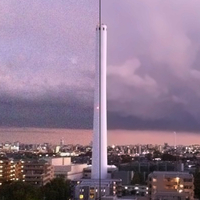
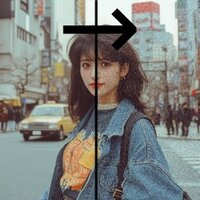
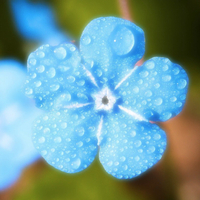

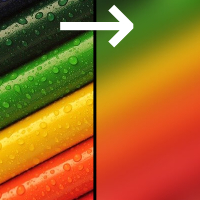
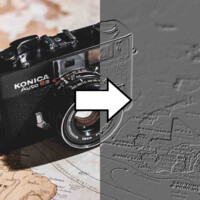
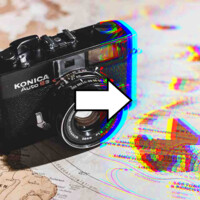
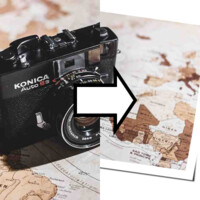
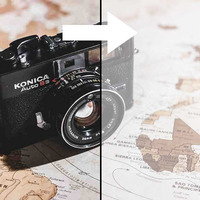
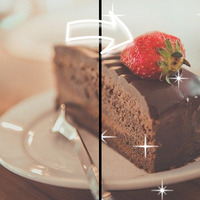

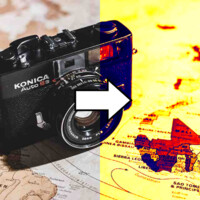
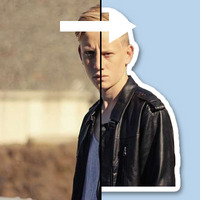
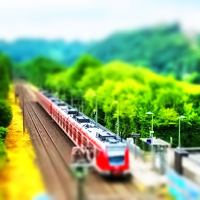
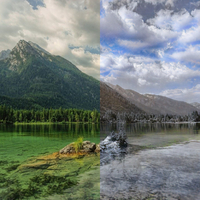
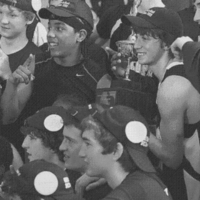
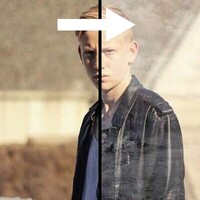
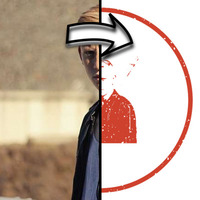
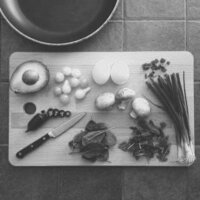
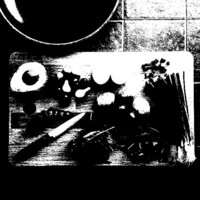


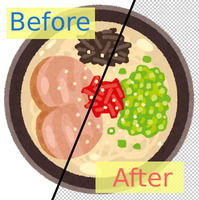
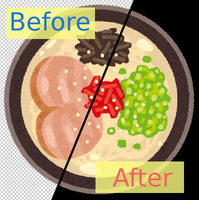
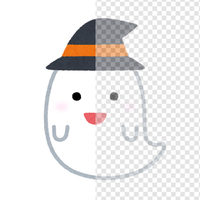
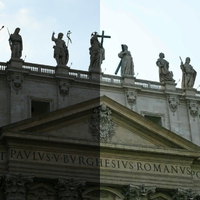
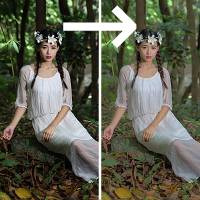
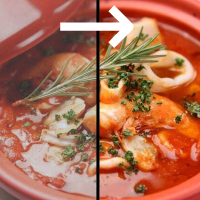
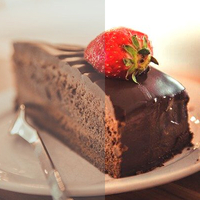

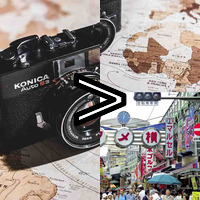
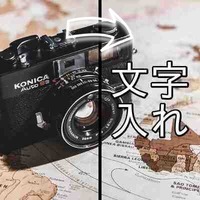
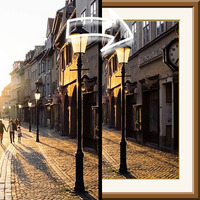
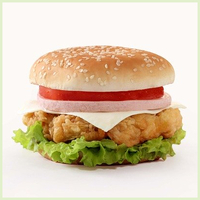

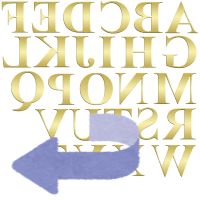






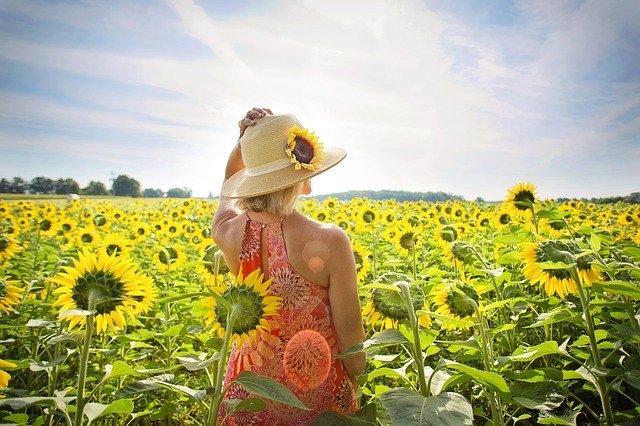
Sample Before
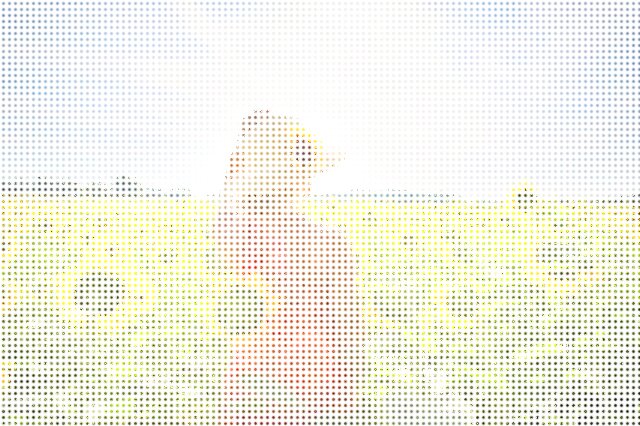
Sample After
About This Feature
This page lets you convert a photo into a pointillism style — a touch built from a mass of tiny colored dots — online and for free.
It replaces your photo with fine dots of color, finishing as a painterly image that looks like colorful dots scattered over a white canvas. With no complex software, you get an artsy look right in your browser.
A single "Effect Strength" slider controls both the fineness of the dots and the vividness of the color together. No special knowledge required.
It is great for blog thumbnails, social media icons, art prints to give as gifts, and more.
Supported file formats are JPEG, PNG, GIF, BMP, WebP, and HEIC.
It replaces your photo with fine dots of color, finishing as a painterly image that looks like colorful dots scattered over a white canvas. With no complex software, you get an artsy look right in your browser.
A single "Effect Strength" slider controls both the fineness of the dots and the vividness of the color together. No special knowledge required.
It is great for blog thumbnails, social media icons, art prints to give as gifts, and more.
Supported file formats are JPEG, PNG, GIF, BMP, WebP, and HEIC.
How to Use
-
1Choose Your ImageClick the "Browse" button or drag and drop an image onto the screen.
-
2ConvertClick the "CONVERT FOR FREE" button.
-
3DownloadClick the "DOWNLOAD" button.
DataChef Features

Easy and Free
Unlimited conversions for free.
No technical knowledge required.
Intuitive and user-friendly operation.
No technical knowledge required.
Intuitive and user-friendly operation.

No Registration Required
Available immediately after access.
Can be used without registering personal information.
Can be used without registering personal information.

Safe and Secure
Fully SSL encrypted communication.
Automatic file deletion by clicking "download".
Automatic file deletion by clicking "download".

Fast
High-speed site access
and rapid file conversion.
and rapid file conversion.

No Watermark
No watermark.
No attribution required.
No attribution required.

Commercial Use Available
Free for commercial use.
No need to contact us for commercial use permission.
No need to contact us for commercial use permission.
What is the Pointillism Effect?
The pointillism effect replaces a photo with many small dots of color, so it looks as if the picture were painted from a mass of dots.
The pointillist paintings of the French painter Georges Seurat are famous for it: up close you see a cluster of colored dots, but step back and they merge into a single picture.
It is as if the photo were re-created in fine beads or mosaic, giving a soft, artsy feel.
Settings
- Effect Strength
The higher the value, the larger and coarser the dots and the more vivid the color, for a bolder, more abstract pointillism. Lower it for finer dots and a delicate result that keeps the shapes of the original photo. Try the default first.
Examples of Use
Give a blog or site thumbnail an artsy finish
Make a social media icon stylish with a pointillism look
Turn a pet or family photo into an art piece to give as a gift
Turn a landscape photo into a painting-like image
What is the Pointillism Effect?
The pointillism effect replaces a photo with many small dots of color, so it looks as if the picture were painted from a mass of dots.
The pointillist paintings of the French painter Georges Seurat are famous for it: up close you see a cluster of colored dots, but step back and they merge into a single picture.
It is as if the photo were re-created in fine beads or mosaic, giving a soft, artsy feel.
Settings
- Effect Strength
The higher the value, the larger and coarser the dots and the more vivid the color, for a bolder, more abstract pointillism. Lower it for finer dots and a delicate result that keeps the shapes of the original photo. Try the default first.
Examples of Use
Give a blog or site thumbnail an artsy finish
Make a social media icon stylish with a pointillism look
Turn a pet or family photo into an art piece to give as a gift
Turn a landscape photo into a painting-like image

Ad 

