

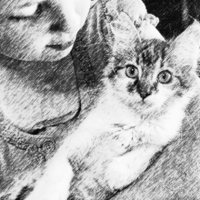

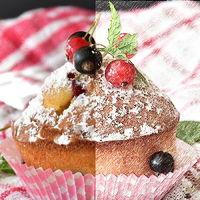
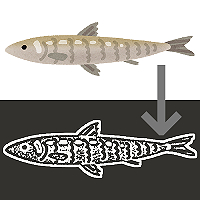
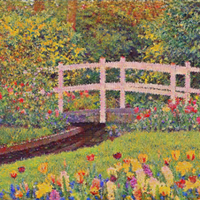
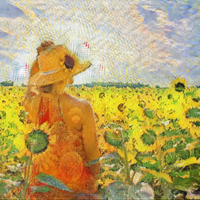
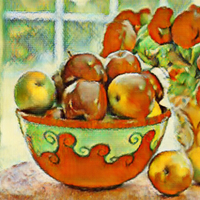
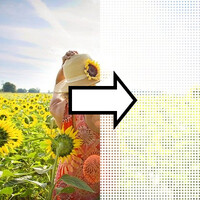
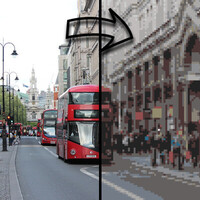
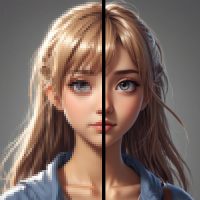


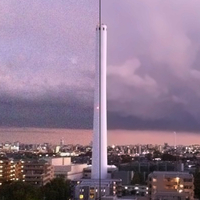
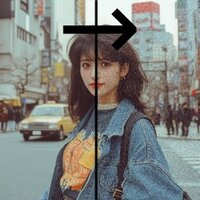
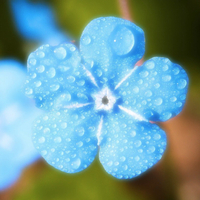

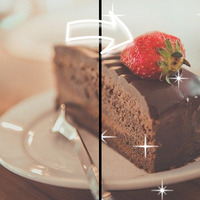

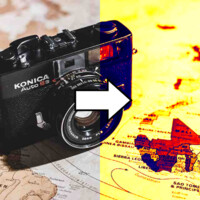



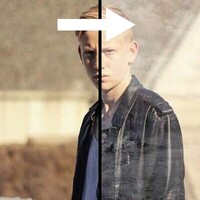
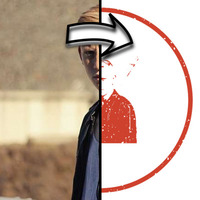

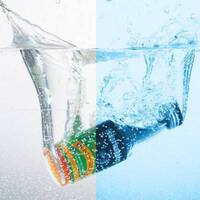



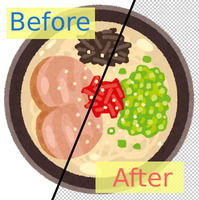
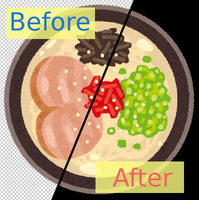

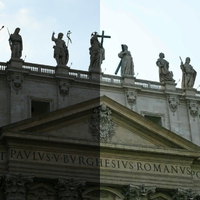
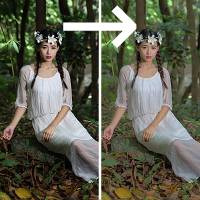
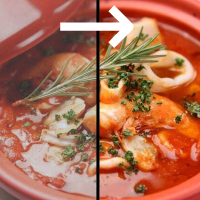
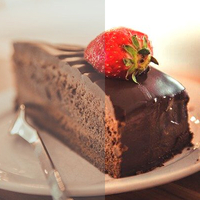

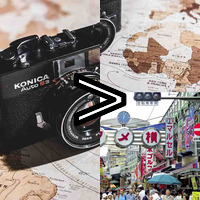

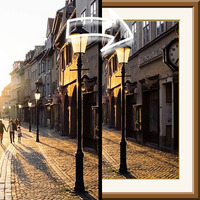
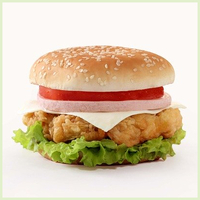







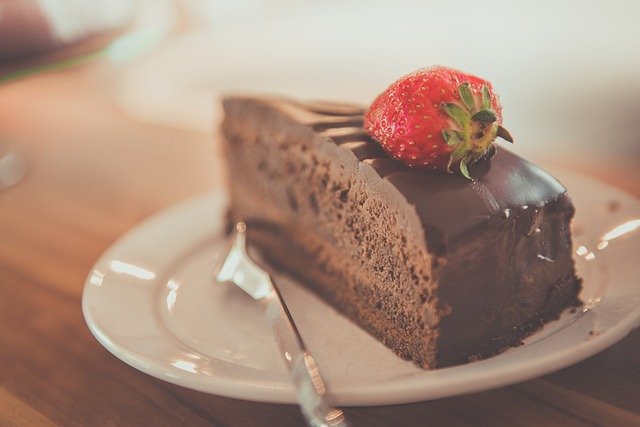
Sample Before
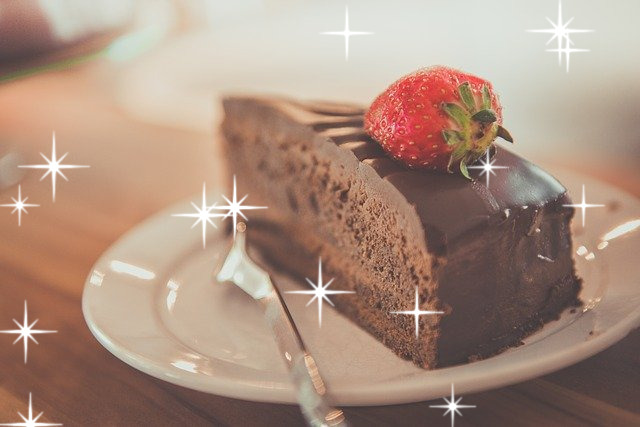
Sample After
About This Feature
This page scatters glittering points of light over your photos, illustrations, and other images.
Starburst glints with rays stretching out in a cross (like a DSLR shot through a cross filter) and soft round light dots (bokeh) are sprinkled at random, making cute photo-booth-style glitter edits effortless.
You can intuitively adjust the sparkle type (starburst, bokeh dots, or a mix), the amount (subtle to plenty), the size, and the color (white, gold, or rainbow mix) — no expertise required. The sparkles are placed randomly, so even with the same settings, each conversion scatters them a little differently. Convert as many times as you like until you love the result.
* If you want falling snow (a snowy-weather effect), use the "Add Snow to Photo (Snow Overlay)" page instead. This page is for adding decorative sparkle.
Supported file formats are JPEG, PNG, GIF, BMP, WebP, and HEIC.
Starburst glints with rays stretching out in a cross (like a DSLR shot through a cross filter) and soft round light dots (bokeh) are sprinkled at random, making cute photo-booth-style glitter edits effortless.
You can intuitively adjust the sparkle type (starburst, bokeh dots, or a mix), the amount (subtle to plenty), the size, and the color (white, gold, or rainbow mix) — no expertise required. The sparkles are placed randomly, so even with the same settings, each conversion scatters them a little differently. Convert as many times as you like until you love the result.
* If you want falling snow (a snowy-weather effect), use the "Add Snow to Photo (Snow Overlay)" page instead. This page is for adding decorative sparkle.
Supported file formats are JPEG, PNG, GIF, BMP, WebP, and HEIC.
How to Use
-
1Choose Your ImageClick the "Browse" button or drag and drop an image onto the screen.
-
2ConvertClick the "CONVERT FOR FREE" button.
-
3DownloadClick the "DOWNLOAD" button.
DataChef Features

Easy and Free
Unlimited conversions for free.
No technical knowledge required.
Intuitive and user-friendly operation.
No technical knowledge required.
Intuitive and user-friendly operation.

No Registration Required
Available immediately after access.
Can be used without registering personal information.
Can be used without registering personal information.

Safe and Secure
Fully SSL encrypted communication.
Automatic file deletion by clicking "download".
Automatic file deletion by clicking "download".

Fast
High-speed site access
and rapid file conversion.
and rapid file conversion.

No Watermark
No watermark.
No attribution required.
No attribution required.

Commercial Use Available
Free for commercial use.
No need to contact us for commercial use permission.
No need to contact us for commercial use permission.
What Is a Sparkle (Glitter) Effect?
A sparkle effect is a decorative edit that layers points of light and cross-shaped glints over a photo to make it look like it is glittering.
"Starburst (cross filter style)" gives an authentic glint with light rays stretching out in a cross (some in 8 directions), just like shooting with a cross filter on your camera. "Bokeh Dots (soft round glow)" gives soft orbs of light, like out-of-focus background lights. Both are blended so that only the bright light lands on the photo (screen blending), so instead of plain white shapes you get a natural glow that melts into the image.
About the Settings
- Sparkle Type
"Starburst (cross filter style)" gives sharp, cross-shaped glints; "Bokeh Dots (soft round glow)" gives soft orbs of light; "Mix" scatters both together.
- Amount (subtle to plenty)
The higher the number, the more sparkles are scattered. Keep it low for a single accent, or turn it up to fill the whole frame with glitter.
- Size
Choose the size of each sparkle: "Small", "Medium", or "Large".
- Color
"White" is the classic, elegant sparkle that works on any photo; "Gold" gives a luxurious golden shine; "Rainbow Mix" gives a playful pastel sparkle where each glint has a different color.
Use Cases
Deck out photos of your favorite idol or a live concert with sparkles
Give your social media avatar and posts a cute photo-booth glitter look
Handmade sellers adding shine to photos of jewelry and press-on nails
Online shops making product images of jewelry and watches look dazzling
Designers adding a glamorous touch to banners and thumbnails
Make the lights in night scenes and holiday illuminations sparkle even more
What Is a Sparkle (Glitter) Effect?
A sparkle effect is a decorative edit that layers points of light and cross-shaped glints over a photo to make it look like it is glittering.
"Starburst (cross filter style)" gives an authentic glint with light rays stretching out in a cross (some in 8 directions), just like shooting with a cross filter on your camera. "Bokeh Dots (soft round glow)" gives soft orbs of light, like out-of-focus background lights. Both are blended so that only the bright light lands on the photo (screen blending), so instead of plain white shapes you get a natural glow that melts into the image.
About the Settings
- Sparkle Type
"Starburst (cross filter style)" gives sharp, cross-shaped glints; "Bokeh Dots (soft round glow)" gives soft orbs of light; "Mix" scatters both together. - Amount (subtle to plenty)
The higher the number, the more sparkles are scattered. Keep it low for a single accent, or turn it up to fill the whole frame with glitter. - Size
Choose the size of each sparkle: "Small", "Medium", or "Large". - Color
"White" is the classic, elegant sparkle that works on any photo; "Gold" gives a luxurious golden shine; "Rainbow Mix" gives a playful pastel sparkle where each glint has a different color.
Use Cases
Deck out photos of your favorite idol or a live concert with sparkles
Give your social media avatar and posts a cute photo-booth glitter look
Handmade sellers adding shine to photos of jewelry and press-on nails
Online shops making product images of jewelry and watches look dazzling
Designers adding a glamorous touch to banners and thumbnails
Make the lights in night scenes and holiday illuminations sparkle even more

Ad 

