















































Clipboard to Image (Paste & Save as File)
Press Ctrl+V on this page, or press the "Read from Clipboard" button.
Paste your image here (Ctrl+V or ⌘+V)
On a smartphone, press the "Read from Clipboard" button below
Save Format
Download Image File
JPEG Quality:90
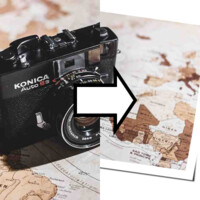
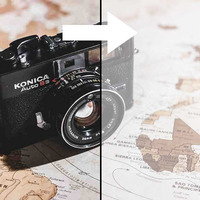
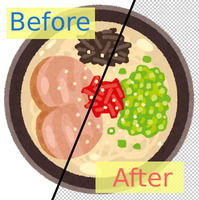
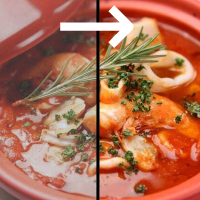
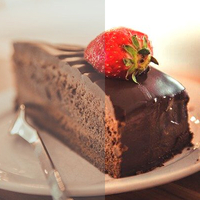
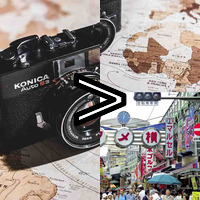
Sample Before
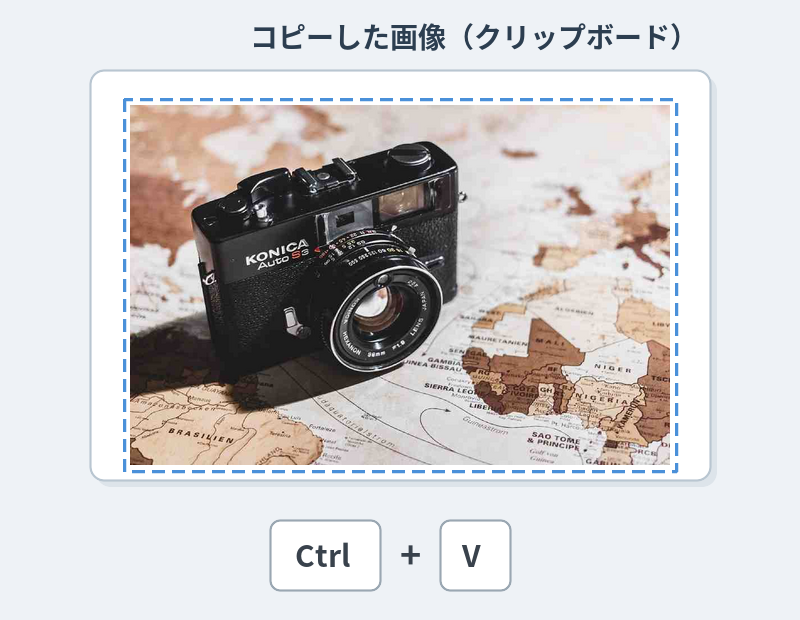
The copied image (on the clipboard)
Sample After
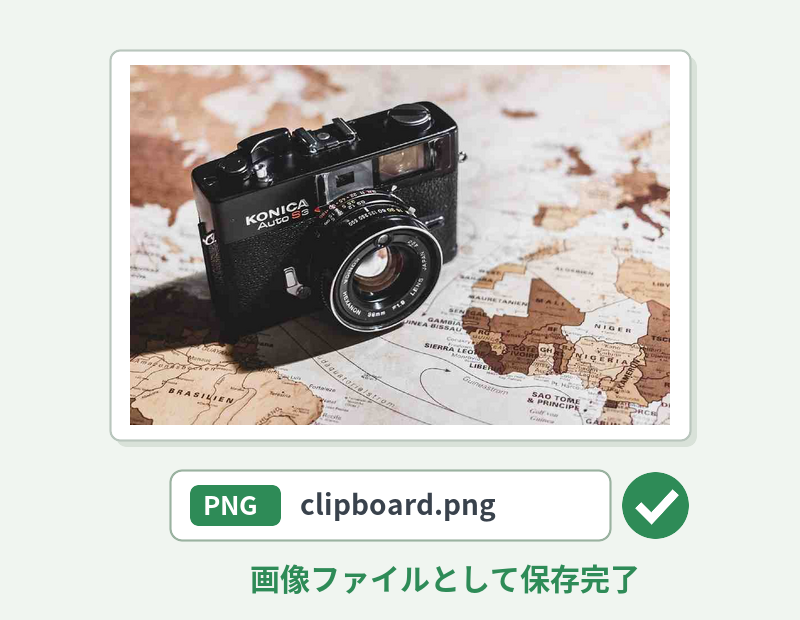
Pasted and saved as a PNG/JPEG file
About This Feature
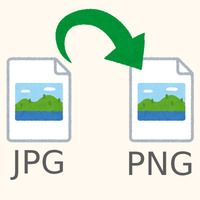
This page lets you paste an image copied to your clipboard and download it as a PNG or JPEG file.
When you "just want to save" a screenshot or a copied image as a file, you can do it entirely in your browser without opening a paint program.
The image is never uploaded to a server and is processed only inside your browser, so your privacy stays protected.
When you "just want to save" a screenshot or a copied image as a file, you can do it entirely in your browser without opening a paint program.
The image is never uploaded to a server and is processed only inside your browser, so your privacy stays protected.
How to Use
-
1Copy an ImageTake a screenshot with Print Screen, or right-click the image (long-press on a phone) and copy it.
-
2PastePress Ctrl+V (⌘+V on a Mac) on this page, or press the "Read from Clipboard" button.
-
3Choose a FormatChoose the save format (PNG or JPEG). With JPEG, you can also adjust the quality.
-
4DownloadPress the "Download Image File" button.
DataChef Features

Easy and Free
Unlimited conversions for free.
No technical knowledge required.
Intuitive and user-friendly operation.
No technical knowledge required.
Intuitive and user-friendly operation.

No Registration Required
Available immediately after access.
Can be used without registering personal information.
Can be used without registering personal information.

Safe and Secure
Fully SSL encrypted communication.
Automatic file deletion by clicking "download".
Automatic file deletion by clicking "download".

Fast
High-speed site access
and rapid file conversion.
and rapid file conversion.

No Watermark
No watermark.
No attribution required.
No attribution required.

Commercial Use Available
Free for commercial use.
No need to contact us for commercial use permission.
No need to contact us for commercial use permission.
This page lets you paste a copied image (the one on your clipboard) and save it directly as a PNG or JPEG file.
A screenshot taken with the Print Screen key, the Snipping Tool, or "Shift+Windows+S"; a screen copied on a Mac with "Shift+Command+Control+4"; an image you copied by long-pressing on your phone — any image that is "on the clipboard but not yet a file" can be turned into a file instantly, with no need to open a paint program just to paste and save.
It is handy when office workers want to quickly save a single screen capture for a manual or how-to guide as a file, or when bloggers and writers want to turn an article screenshot into a PNG in a hurry.
The pasted image is never sent to a server — everything is processed entirely inside your own browser. You can use it with confidence even for images you would rather not upload anywhere, such as screens of internal company systems.
For the save format, choose between PNG (the default), which is high quality and supports transparency, and JPEG, which suits photos and produces a lighter file. If you choose JPEG, you can adjust the quality as well.
Related Features
Image Converter (Change File Format)
Change the file format of an uploaded image. You can also adjust the compression and size.

Image to Base64
Convert an image into Base64 text that you can embed directly in HTML or CSS.
Blur Image
When a screenshot contains something you would rather hide, such as personal information, use this page to blur the whole image.

Ad 

