
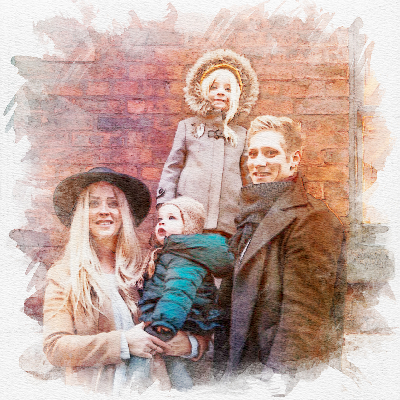
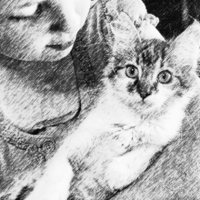

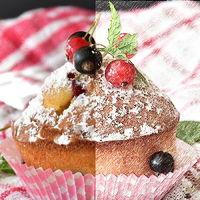
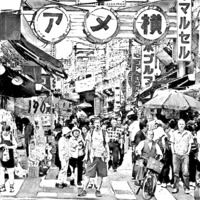
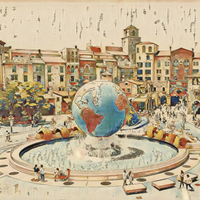
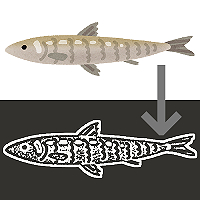
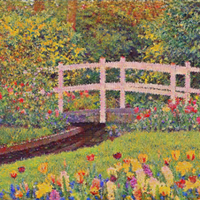
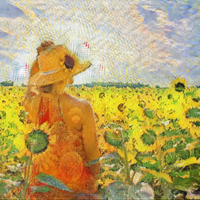
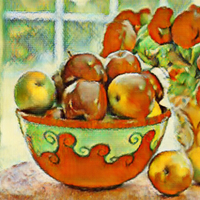
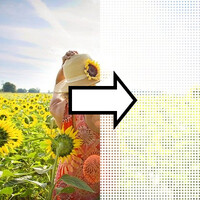
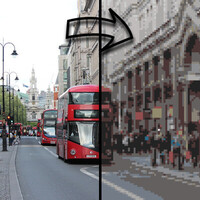
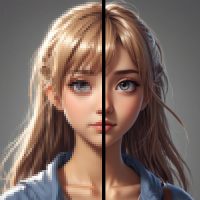


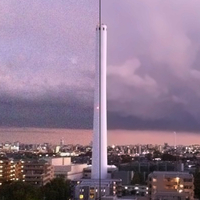
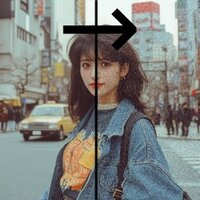

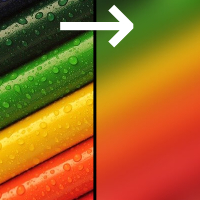
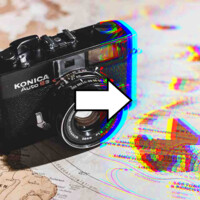
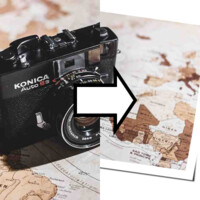
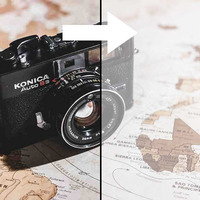
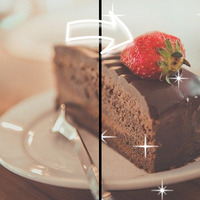

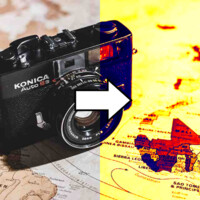
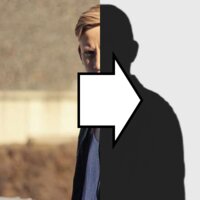
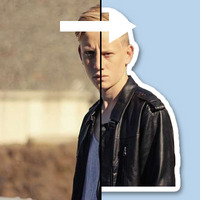
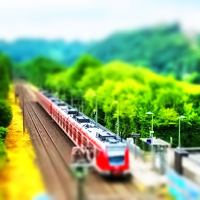
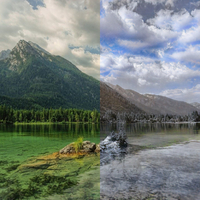
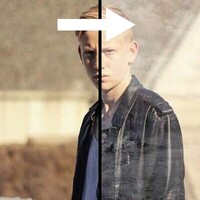
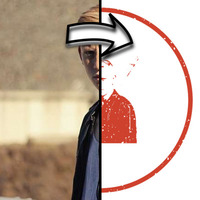
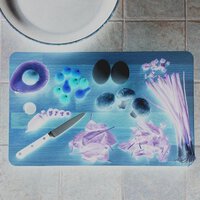
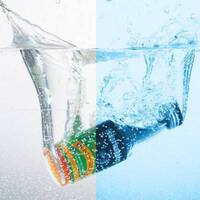
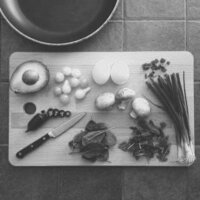
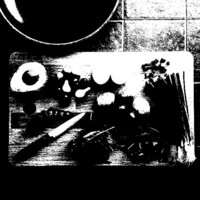


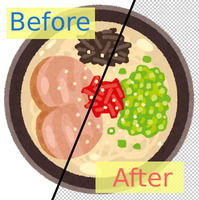
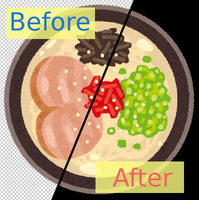
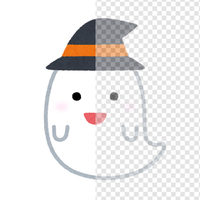
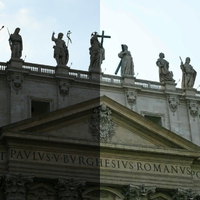
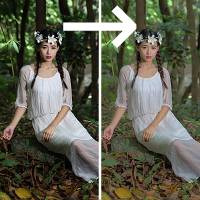
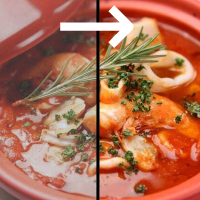
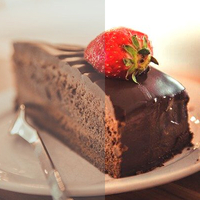

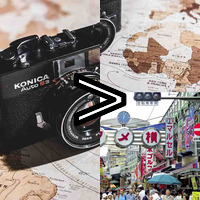
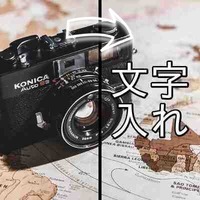
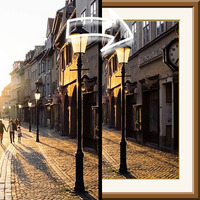

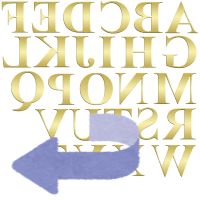





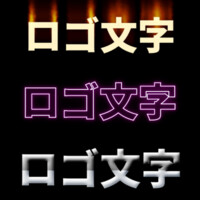
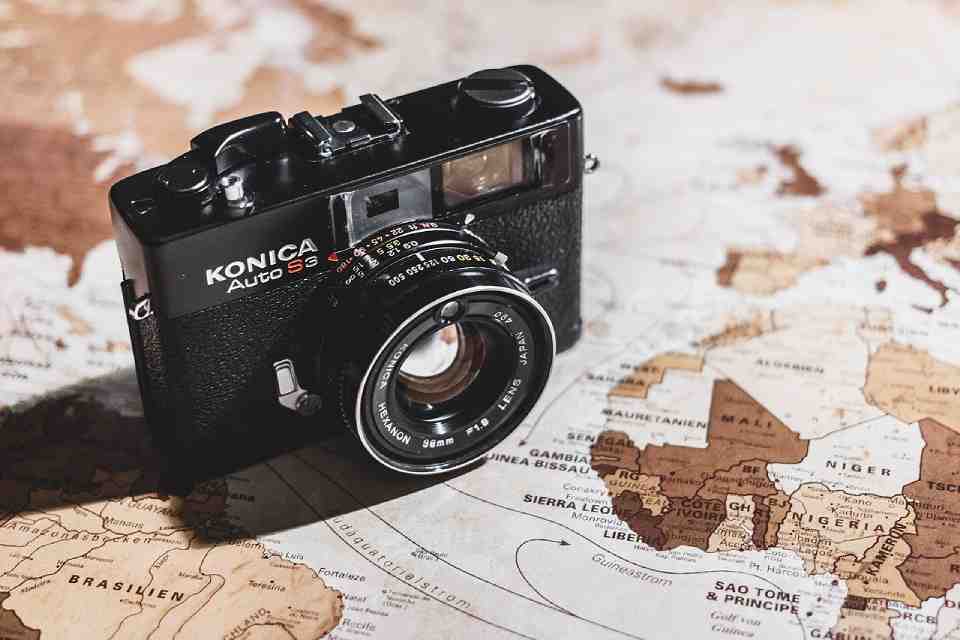
Sample Before
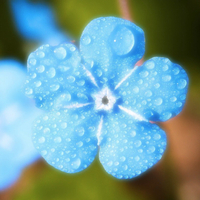
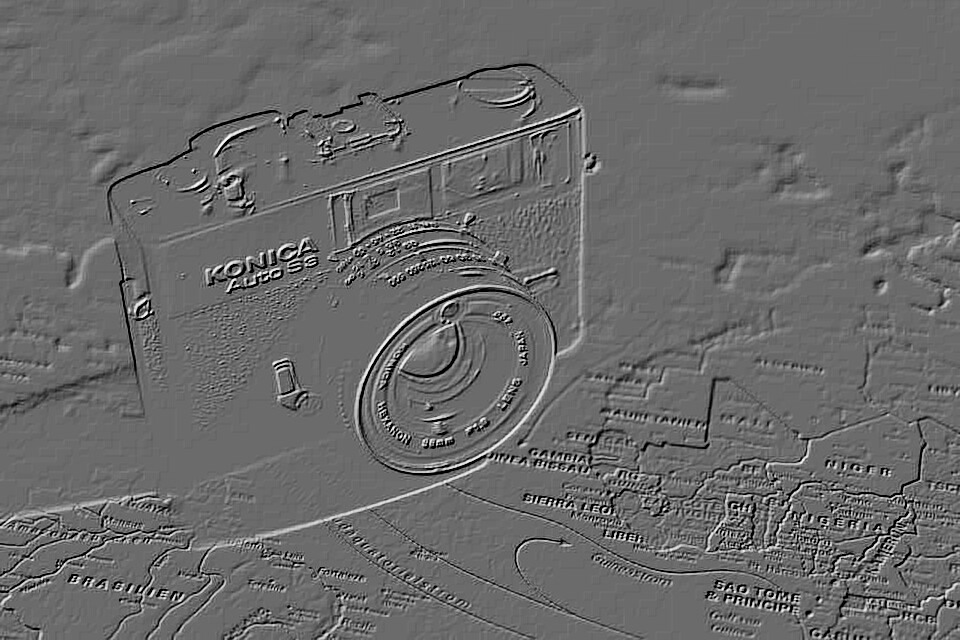
Sample After
About This Feature
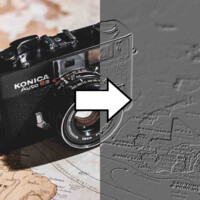
On this page, you can apply an emboss (relief) effect online for free, making your image look carved into stone or metal.
By rendering the image's edges and contours with light and shadow, it produces the weighty texture of a carved relief or a cool, metallic look.
You can intuitively adjust the depth of the relief, the direction (angle) of the light, and whether to go monochrome or keep the original colors — no expertise required.
Supported file formats are JPEG, PNG, GIF, BMP, WebP, and HEIC.
By rendering the image's edges and contours with light and shadow, it produces the weighty texture of a carved relief or a cool, metallic look.
You can intuitively adjust the depth of the relief, the direction (angle) of the light, and whether to go monochrome or keep the original colors — no expertise required.
Supported file formats are JPEG, PNG, GIF, BMP, WebP, and HEIC.
How to Use
-
1Choose Your ImageClick the "Browse" button or drag and drop an image onto the screen.
-
2ConvertClick the "CONVERT FOR FREE" button.
-
3DownloadClick the "DOWNLOAD" button.
DataChef Features

Easy and Free
Unlimited conversions for free.
No technical knowledge required.
Intuitive and user-friendly operation.
No technical knowledge required.
Intuitive and user-friendly operation.

No Registration Required
Available immediately after access.
Can be used without registering personal information.
Can be used without registering personal information.

Safe and Secure
Fully SSL encrypted communication.
Automatic file deletion by clicking "download".
Automatic file deletion by clicking "download".

Fast
High-speed site access
and rapid file conversion.
and rapid file conversion.

No Watermark
No watermark.
No attribution required.
No attribution required.

Commercial Use Available
Free for commercial use.
No need to contact us for commercial use permission.
No need to contact us for commercial use permission.
What Is the Emboss Effect?
Embossing adds light and shadow along an image's edges so it looks carved into — or raised out of — stone, metal, or paper. It is also known as a relief effect.
Use it on logos, icons, heading graphics, or backgrounds to add a substantial, metallic-looking texture.
About the Settings
- Depth
The higher the value, the sharper the relief and the stronger the 3D feel. Lower values give a subtle, faintly raised finish.
- Light Direction (Angle)
Sets the direction the light comes from. Changing the angle flips how the relief reads — whether shapes appear to stick out or sink in. Adjust to taste.
- Finish
"Monochrome" produces a gray relief like cast plaster or metal. "Keep Original Colors" adds the carved depth while retaining the colors of the original image.
Example Uses
Give logos and icons a metal or stone relief look
Add weighty, three-dimensional depth to headings and text graphics
Turn patterns and textures into sculptural background material
Convert photos into a textured, artistic finish
What Is the Emboss Effect?
Embossing adds light and shadow along an image's edges so it looks carved into — or raised out of — stone, metal, or paper. It is also known as a relief effect.
Use it on logos, icons, heading graphics, or backgrounds to add a substantial, metallic-looking texture.
About the Settings
- Depth
The higher the value, the sharper the relief and the stronger the 3D feel. Lower values give a subtle, faintly raised finish. - Light Direction (Angle)
Sets the direction the light comes from. Changing the angle flips how the relief reads — whether shapes appear to stick out or sink in. Adjust to taste. - Finish
"Monochrome" produces a gray relief like cast plaster or metal. "Keep Original Colors" adds the carved depth while retaining the colors of the original image.
Example Uses
Give logos and icons a metal or stone relief look
Add weighty, three-dimensional depth to headings and text graphics
Turn patterns and textures into sculptural background material
Convert photos into a textured, artistic finish

Ad 

